Integrating AI into web applications has moved from experimental to essential. In 2026 users expect intelligent responsive and conversational experiences directly in their browsers. Puter.ai.chat enables JavaScript developers to deliver this without complex server setups.
This guide walks you through practical implementation advanced techniques and insights that most tutorials skip. By the end you will confidently use Puter.ai.chat to build interactive AI-powered chat applications that scale.
What is Puter.ai.Chat?
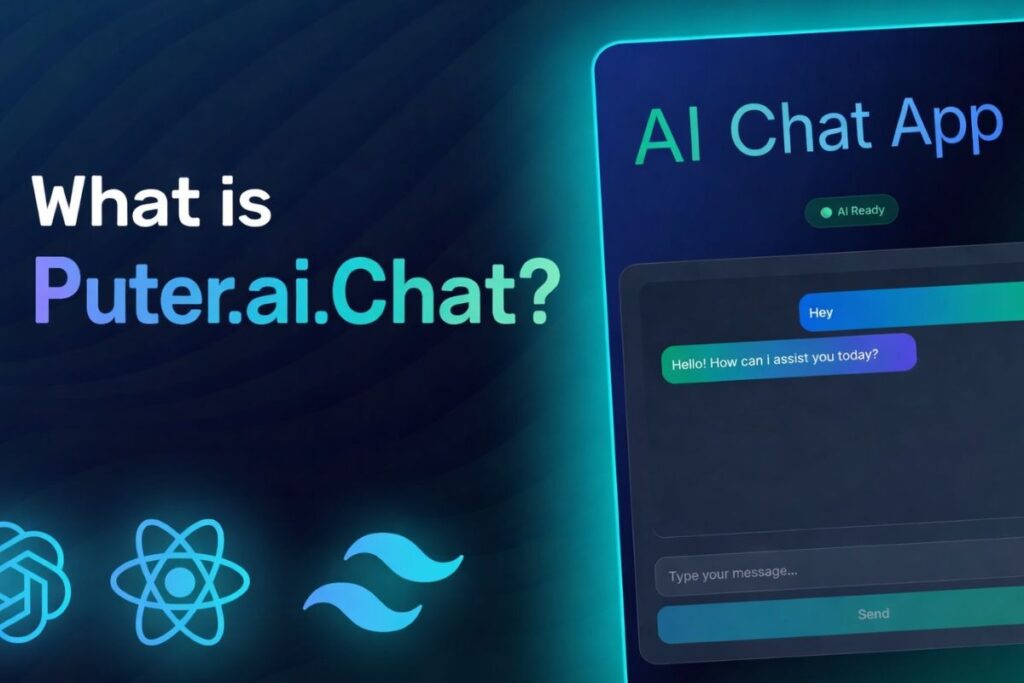
Puter.ai.chat is a client side API that connects your JavaScript app to large language models (LLMs) directly in the browser. Unlike traditional AI setups it eliminates the need for server side authentication or managing API keys.
Each user authenticates through their own Puter account which ensures security and scalability. Your app can support multiple users stream responses in real time and integrate multimodal content like images or files without additional backend infrastructure.
Essentially Puter.ai.chat transforms your JavaScript application into an intelligent AI platform quickly and efficiently.
Why You Should Integrate Puter.ai.Chat?
Adding Puter.ai.chat enhances user engagement by delivering real time context-aware responses. Developers save time because they no longer need to build complex NLP pipelines or secure server endpoints.
The SDK offers flexible AI model selection including GPT-5 nano GPT-4o Claude Sonnet and Mistral models allowing you to tailor the chat experience for speed reasoning or creative outputs.
You can incorporate multimodal input such as images, structured files or document analysis which opens doors for advanced applications like AI assisted productivity tools, customer support bots and interactive creative experiences. The user pays model ensures your app scales without unexpected backend costs.
Preparing Your JavaScript Environment
To start, ensure your environment supports modern development. You need a current browser such as Chrome Edge Firefox or Safari. For framework based projects Node.js is essential and using an editor like VS Code improves workflow efficiency.
While optional frameworks like React Vue.js or Angular help structure your app, manage state and build single page applications that provide smoother chat interactions.
Installing Puter.ai.Chat
For rapid prototyping you can include Puter.ai.chat through a CDN by adding the script tag:
<script src=”https://js.puter.com/v2/”></script>
This exposes a global puter object in your scripts. For production grade apps installing via NPM offers better dependency management:
npm install @puter/sdk
Then import it in your project:
import puter from ‘@puter/sdk’;
This setup supports modern build tools, version control and frameworks efficiently.
Building a Chat Interface
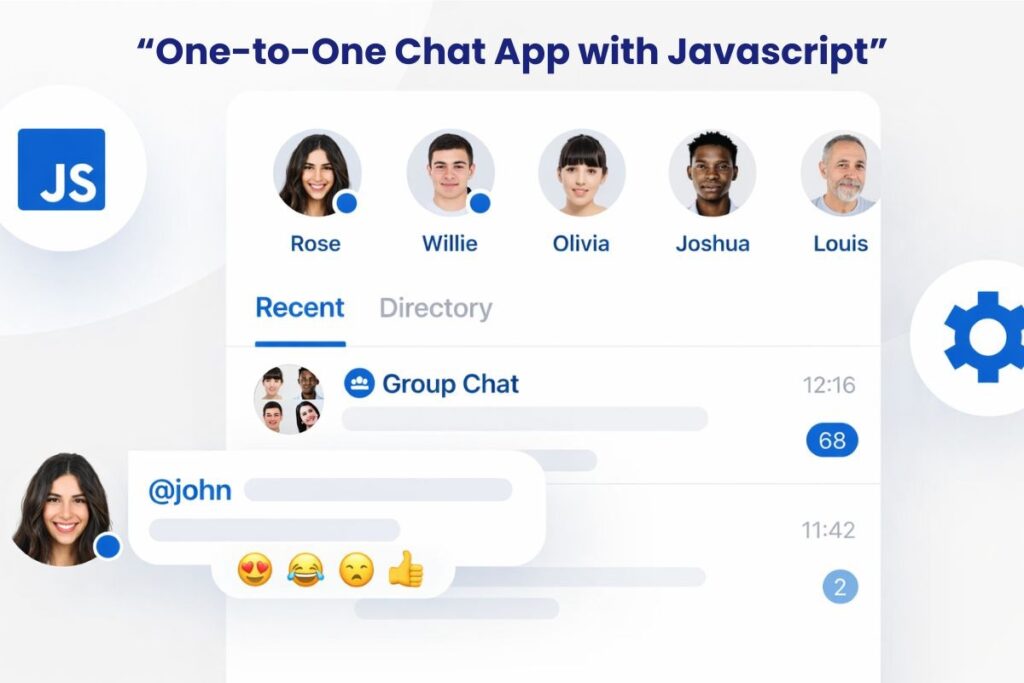
Creating a smooth responsive chat interface requires careful UX design. Display previous messages in a scrolling container to maintain conversation context.
Use an input field for user queries and action buttons for sending messages or triggering AI tools. Implementing multi turn conversations involves storing messages in an array with role based content so the AI understands the context of follow up interactions.
Streaming responses enhance interactivity by displaying text as the model generates it making long outputs feel instantaneous and natural.
Example with HTML and JavaScript:
<div id=”chat-container”>
<div id=”messages”></div>
<input type=”text” id=”chat-input” placeholder=”Ask me anything…” />
<button onclick=”sendMessage()”>Send</button>
</div>
<script>
async function sendMessage() {
const input = document.getElementById(‘chat-input’).value;
displayMessage(‘User’ input);
try {
const response = await puter.ai.chat(input { model: ‘gpt-5-nano’ });
displayMessage(‘AI’ response);
} catch (err) {
console.error(‘Puter.ai error:’ err);
}
}
function displayMessage(sender text) {
const container = document.getElementById(‘messages’);
container.innerHTML += `<p><strong>${sender}:</strong> ${text}</p>`;
}
</script>
Handling Multi Turn Conversations
Puter.ai.chat supports context-aware chat through a messages array:
const messages = [
{ role: ‘system’ content: ‘You are a helpful assistant.’ }
{ role: ‘user’ content: ‘Explain Puter.ai.chat in simple terms.’ }
];
const response = await puter.ai.chat(messages { model: ‘claude-sonnet-4’ });
This allows your app to maintain conversation history, handle follow ups and integrate multimodal content like images or files.
Streaming Responses for Real Time Interaction
Streaming makes your app feel alive. Instead of waiting for the full response you can display output as it’s generated:
const stream = await puter.ai.chat(‘Explain JavaScript closures’ { stream: true });
for await (const part of stream) {
document.getElementById(‘messages’).innerHTML += part.text;
}
Benefits:
- Faster perceived response time
- Typing indicators
- Smooth UX for long outputs
Integrating Images Files and AI Tools
Puter.ai.chat supports more than text. You can pass image URLs or file objects directly to the API for analysis or generation. The SDK also allows AI models to trigger function calls or process structured data.
Developers can implement document analysis, resume evaluation or interactive content generation without building separate backend services.
Using Puter’s file system API you can upload read and process files in real time allowing AI to provide actionable insights directly in the chat interface.
Example: File Analysis
const file = await puter.fs.write(‘resume.pdf’ uploadedFile);
const result = await puter.ai.chat([
{ role: ‘user’ content: [{ type: ‘file’ puter_path: file.path } { type: ‘text’ text: ‘Analyze this resume’ }] }
]);
Best Practices for Developers
Security remains a priority. Puter.ai.chat handles authentication and API key management but always uses HTTPS for data transmission. Performance improves when you stream long responses and cache frequent queries locally or using cloud key value stores.
UX enhancements such as loading indicators, responsive layouts and conversation history displays improve user engagement. Carefully select models based on your requirements.
Claude Sonnet excels in reasoning GPT-4o provides rapid responses and DALL-E enables image generation. Experimenting with temperature and verbosity ensures your AI output matches user expectations.
Common Pitfalls to Avoid
Maintaining conversation context is crucial. Ignoring it leads to irrelevant or repetitive AI responses. Overloading the client side with large payloads slows down streaming interactions. Always implement robust error handling to catch and respond to API failures.
Collecting user feedback and monitoring AI performance ensures your chat remains effective and adaptive over time.
Real World Use Cases
Developers can implement Puter.ai.chat for customer support bots that answer FAQs, troubleshoot problems and access cloud based documentation. Creative teams can combine text and image generation for storyboarding or brainstorming.
Professionals can automate document summarization, generate insights and streamline reporting. By leveraging multimodal capabilities the SDK supports diverse applications across industries without requiring extensive backend development.
Conclusion
Integrating Puter.ai.chat transforms static JavaScript applications into intelligent conversational platforms. Streaming responses, multimodal input and AI driven function calls make interactions engaging and responsive.
The serverless user pays model eliminates backend complexities enabling developers to focus on building meaningful experiences. Whether prototyping or developing production ready apps, Puter.ai.chat offers unmatched flexibility, scalability and accessibility for creating modern AI chat solutions.
FAQs
How can I stream AI responses in Puter.ai.chat for real-time chat?
Use the stream: true option in puter.ai.chat(). This sends partial responses as the model generates them letting you update the chat interface in real time. Implement typing indicators and append messages progressively to improve UX especially for long outputs.
Can Puter.ai.chat handle files, images and structured data directly in the browser?
Yes. You can pass File objects or image URLs to the API and use puter.fs.write() to upload and process documents, PDFs or images without server side processing. This enables interactive AI powered file analysis document summarization or image generation entirely client side.
How do I maintain multi turn conversation history securely?
Store messages in arrays and persist session data in localStorage IndexedDB or Puter’s cloud key value store. This preserves context across multiple messages allowing the AI to respond accurately to follow-ups while keeping user data secure.
Which AI models should I choose for reasoning creative outputs or fast responses?
Use Claude Sonnet for reasoning and context heavy tasks GPT-4o for rapid conversational responses GPT-5 Nano for lightweight interactions and DALL-E for image generation. Selecting the right model ensures optimal performance, faster results and a smoother user experience.
Is it safe to call Puter.ai.chat models directly from the browser?
Yes. Puter handles authentication and API keys on the client side so you don’t expose sensitive credentials. Always use HTTPS to secure communications and avoid storing raw API keys in your code.
How do I handle errors during streaming or multi turn chats?
Wrap all puter.ai.chat() calls in try/catch blocks. Handle network errors invalid input or file upload issues gracefully. Display error messages in the chat interface to keep users informed and prevent broken UX.
Can multiple users interact with the same app session?
Yes. Each user authenticates through their own Puter account allowing concurrent sessions without conflict. Use separate message arrays per user and store session data appropriately to maintain context for each conversation.
How can I optimize performance for large files or frequent queries?
Stream responses instead of waiting for full output cache frequent queries locally or in a cloud key value store and compress large files before sending. These steps reduce latency and make real time AI interactions smooth and responsive.