Stuck with the error “object of type ‘closure’ is not subsettable” in your R code and not sure what went wrong?
You’re not alone, this is one of the most confusing errors for beginners and even experienced users.
The tricky part is that the problem usually isn’t obvious. Your code looks fine but R treats something as a function when you expect data.
This error often points to deeper coding habits such as inconsistent naming not using parentheses or misinterpreting reactive values in Shiny.

Quick Fix (Solve It in Seconds)
If you just want to fix it fast check this:
- Don’t use [ ] on functions
- Make sure your variable is not a built-in function (like mean data url)
- Use parentheses () when calling functions
- In Shiny call reactive values like data() not data
- Confirm object type using typeof() or is.function()
- Restart R session if changes are not reflected
- Print your object before subsetting: print(object) helps identify its actual type
Common Causes of This Error
Variable Name Conflict
This happens when you accidentally use a name that already exists as a function.
Example:
mean[1] # Error
Fix:
my_data <- c(123)
my_data[1] # Works
Additional Tips:
- Avoid naming variables after any base R functions like sum data url
- Use prefixes (e.g. my_) to prevent conflicts
- Check for conflicts using: ls() and conflicts()
Treating a Function Like Data
You might be trying to access a function like a list or vector.
my_function[1] # Error
Fix:
my_function(x) # Call it properly
Extra Notes:
- Always distinguish function calls vs object subsetting
- Use str(object) to inspect its structure before accessing
Missing Parentheses in Shiny
In Shiny reactive objects are functions. Forgetting () triggers errors.
Wrong:
reactive_df$col
Correct:
reactive_df()$col
Extra Tips:
- Always treat reactive expressions as functions not static objects
- For nested reactive lists: reactive_df()$sublist[[1]] is valid
- Print with str(reactive_df()) to verify
Undefined Object (Fallback to Function)
Sometimes your variable isn’t defined so R uses a function with the same name.
Example:
url[i] # Error
Fix:
- Define your variable first
- Verify with:
exists(“url”)
Additional Notes:
- Always initialize variables before loops or reactive calls
- Use ls() to check all objects in the environment
R Environment / R Markdown Issue
When running scripts or knitting R Markdown:
- Your environment is clean
- Objects may not exist
- This leads to unexpected function fallback
Fix:
- Define all variables inside the script
- Restart session: Ctrl + Shift + F10 (RStudio)
Extra Tips:
- Use rm(list=ls()) to start fresh when debugging
- Save and load workspace carefully to avoid conflicts
Real Examples (With Fixes)
Example 1: Built-in Function Conflict
mean[1] # Error
mean(c(123)) # Works
Example 2: Custom Function Mistake
cool_function[1] # Error
cool_function(data[1]) # Works
Example 3: Shiny Reactive Error
reactive_df$col # Error
reactive_df()$col # Works
Example 4: Missing Function Argument
OUT <- preprocess_data # Error
OUT <- preprocess_data(df) # Works
Example 5: Loop-Related Conflict
for(i in 1:5){
result[i] <- my_function(data[i]) # Works
}
Tip: Always check loop variables and avoid function name conflicts.
How to Debug This Error?

typeof(x)
- Verify it’s not a function:
is.function(x)
- Confirm variable exists:
exists(“x”)
- Restart R session
- Re-run code step by step
- Inspect object with str() for structure
- Use print statements to trace values
What is a Closure in R (Simple Explanation)
A closure in R is a function with its environment.
Every function in R is internally a closure.
That’s why attempting to subset a function produces:
object of type ‘closure’ is not subsettable
Extra Notes:
- Closures store environments and local variables
- They enable functional programming patterns in R
- Always remember: subsetting is only for data objects
Best Practices to Avoid This Error
- Use meaningful variable names
- Never reuse names of built-in functions
- Always call functions with ()
- Use [ ] only on vectors lists or data frames
- Test objects using class() or typeof()
- Keep your environment clean
- Comment code for clarity especially in complex scripts
- Always initialize variables before loops or Shiny calls
How to Check If an Object Is Subsettable?
Not all objects behave like vectors. To verify:
is.list(x) # Checks if x is a list
is.vector(x) # Checks if x is a vector
Only these can be safely subsetted with [ ].
Extra Tip: Use is.data.frame(x) if working with tables.
When Functions Are Overwritten by Variables?
Sometimes a variable accidentally overwrites a function name.
mean <- c(123)
mean(c(456)) # Error: mean is no longer a function
Fix:
rm(mean)
Extra Tips:
- Avoid global assignments that shadow functions
- Use package::function() syntax when necessary
Handling This Error in Loops or Apply Functions
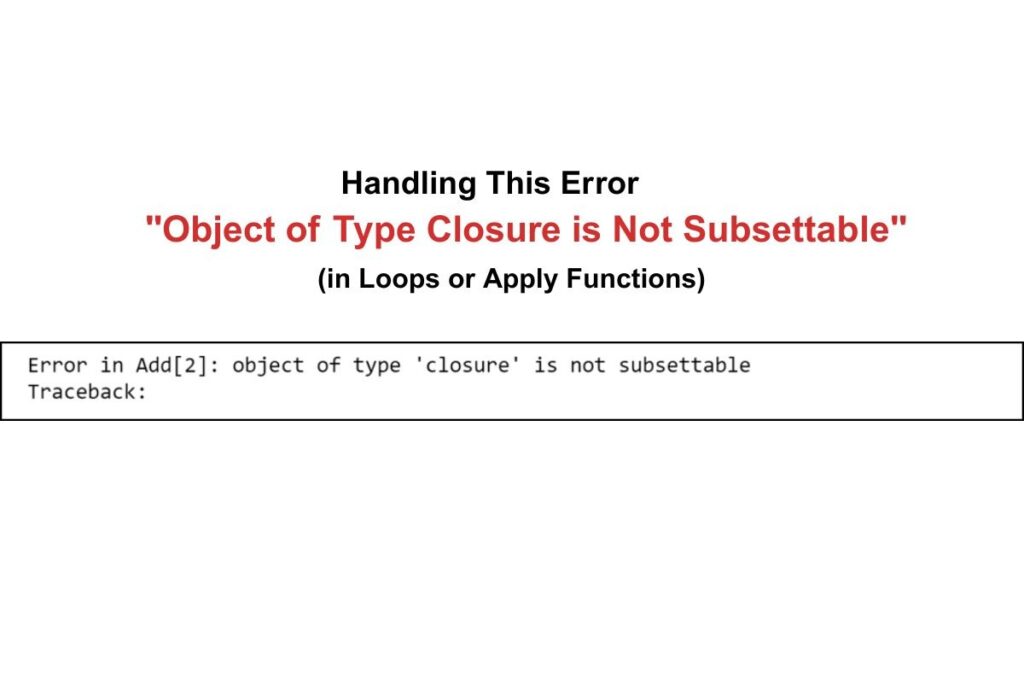
Errors can occur inside loops when a function name conflicts with a variable.
for(i in 1:5){
result[i] <- my_function(data[i]) # Correct
}
Extra Notes:
- Always verify loop variables
- Apply functions (lapply sapply) are safe if you check object types first
- Print intermediate results to debug
Conclusion
At first this error feels frustrating because it doesn’t clearly tell you what went wrong.
But once you understand one simple rule, functions can’t be subsetted, everything starts to make sense.
Most of the time the issue comes down to small mistakes like naming conflicts, missing parentheses or undefined variables.
The good news is that once you recognize these patterns you’ll be able to spot and fix this error almost instantly in future projects.
FAQs
Can this error occur when using packages like dplyr or tidyverse?
Yes this error can appear when package functions mask your variable names. If a function from a package overrides your object R may treat it as a closure. Always check conflicts using conflicts() or use package::function() syntax.
Why does this error sometimes appear randomly in working code?
This usually happens due to changes in the R environment or overwritten variables.If a variable gets removed or replaced R may fallback to a function with the same name. Restarting the session often resolves unexpected behavior.
Can this error be caused by loading multiple libraries?
Yes, loading multiple libraries can create naming conflicts between functions. Different packages may define functions with the same name. Use explicit names like dplyr::filter() to avoid ambiguity.
Does this error affect performance or just stop execution?
This error does not affect performance but completely stops code execution. It prevents R from interpreting your command correctly. Fixing the object type immediately resolves the issue.
Is this error related to R’s functional programming behavior?
Yes indirectly. R treats functions as first-class objects (closures). This means functions can be passed around like variables. But they still cannot be subsetted like data structures.