If you are running a WordPress site, you might have seen the word permalink many times. But what is a permalink in WordPress? A permalink is simply the permanent web address (URL) of your posts, pages, or any content on your site.
This URL is the permalink. It is permanent and does not change unless you edit it. That is why it is called a “perma” link. A good permalink structure is very important for SEO, user experience, and overall site quality.
In this guide we will explain what is a permalink in WordPress, why it is important, how to set it up, best practices and mistakes to avoid.
Everything is explained in clean, simple words so even beginners can follow without any confusion. For more insights on startup tech and digital growth explore the Rteetech homepage.
What is a Permalink in WordPress?
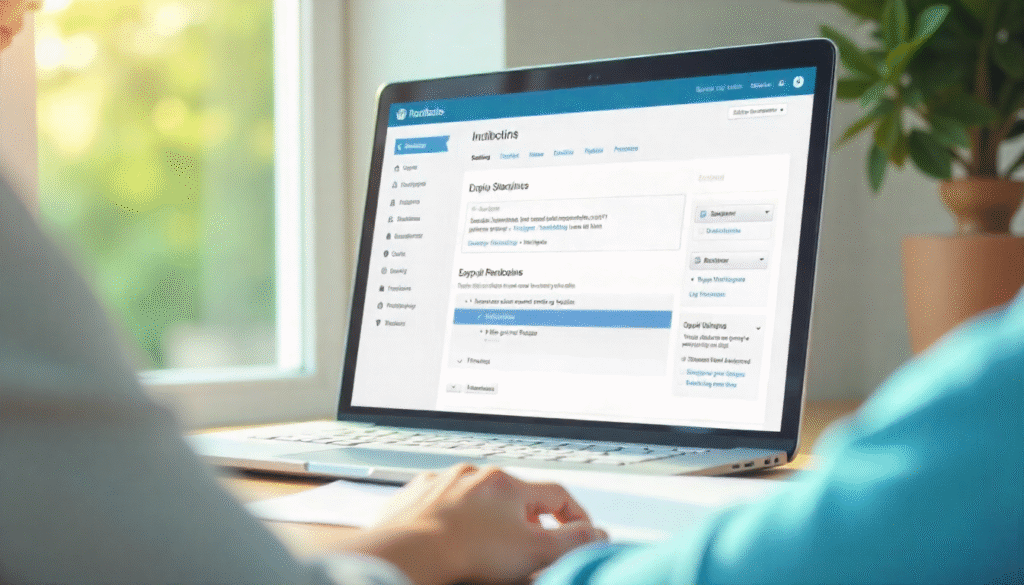
A permalink in WordPress is the permanent URL that points to a specific blog post, page, or piece of content. It is the unique link that users type in their browser or click from search results to reach your content. By default, WordPress creates permalinks automatically, but you can customize them for better results.
- Default permalink: https://example.com/?p=123
- Custom permalink: https://example.com/what-is-a-permalink-in-wordpress
The second one is cleaner, easier to read, and SEO-friendly. A permalink usually includes your domain name plus a slug (the text part that describes the content).
This slug can be based on the post name, category, or date, depending on your settings.In short: A permalink is the digital address of your content, and it should be simple, clear, and optimized.
Why are Permalinks Important in WordPress?
Many beginners think permalinks are just links. But they play a much bigger role:
- User Experience: Clean and readable URLs make it easier for visitors to understand what the page is about.
- SEO: Search engines like Google use permalinks to index and rank your content. Having keywords in your permalink can improve visibility.
- Sharing: A short and clear permalink looks better when shared on social media or email.
- Trust: Visitors trust a professional permalink more than a messy one with numbers and symbols.
- Navigation: Internal linking works better when your site has consistent permalinks.
Without a good permalink structure, your site can look unprofessional and may lose SEO opportunities.
Types of Permalink Structures in WordPress
WordPress allows different permalink formats. Here are the main ones:
| Permalink Type | Example | Best Use Case |
| Plain | https://example.com/?p=123 | Not SEO friendly, avoid using |
| Day and Name | https://example.com/2025/09/27/sample-post/ | News or daily blogs |
| Month and Name | https://example.com/2025/09/sample-post/ | Magazines, archives |
| Numeric | https://example.com/archives/123 | Rarely used, not user-friendly |
| Post Name | https://example.com/sample-post/ | Best for blogs, business, SEO |
| Custom Structure | https://example.com/category/post-name/ | Large sites, eCommerce |
Among these, the Post Name structure is the most popular because it is short, clean, and SEO-friendly.
How to Set Permalinks in WordPress

Editing or setting what is a permalink in wordpress is very simple. You do not need coding skills. Follow these steps:
- Go to your WordPress Dashboard.
- Click Settings permalinks.
- Choose the structure you prefer (Post Name is recommended).
- Save changes.
That is it: Your WordPress site now uses a new permalink structure. If you already have published posts, be careful when changing permalinks, because it may break old links. To avoid this, use a redirect plugin.
Best Practices for Permalinks in WordPress
When setting up permalinks, keep these rules in mind:
Keep it Short and Simple
A good permalink should not be too long. Short links are easier to share and look professional.
Use Keywords
Include your main keyword in the permalink.If your keyword is what is a permalink in wordpress? then example.com/permalink-in-wordpress is ideal.
Avoid Stop Words
Remove unnecessary words like a, the, of, in. Example: example.com/permalink-wordpress works better than example.com/what-is-a-permalink-in-wordpress.
Use Hyphens not Underscores
Always separate words with a hyphen ( – ). For example: sample-post not sample_post.
Do not Change Permalinks Often
Once you publish a post, keep the permalink stable. Changing it can break links and hurt SEO.
Make it Relevant
The permalink should describe the content clearly. Visitors should know what to expect before clicking.
Common Mistakes with Permalinks
Even experienced users make mistakes. Here are things to avoid:
- Using default plain URLs (?p=123)
- Making permalinks too long
- Adding random numbers or symbols
- Changing permalink structure too often
- Forgetting redirects after changing old links
Avoiding these mistakes will keep your WordPress site clean and SEO-friendly.
SEO Benefits of Good Permalinks
Knowing what a permalink is in WordPress is not just about design it directly helps with SEO.
- Search engines read the permalink to understand the page topic.
- A keyword-rich permalink can improve ranking.
- Clean URLs increase click-through rate (CTR) from search results.
- Consistent structure improves site crawling and indexing.
A post with this permalink:
- example.com/what-is-a-permalink-in-wordpress
has a much better chance of ranking than: - example.com/?p=567
Advanced Tips for Permalinks
If you want more control over your WordPress permalinks:
- Use Category in Permalink: Example example.com/blog/post-name. Helps organize large sites.
- Remove Category Base: Use plugins to clean up long URLs.
- Add Redirects: If you change old permalinks, redirect them to the new ones to keep SEO.
- Multilingual Sites: Use plugins like WPML to create permalinks in different languages.
- E-commerce Sites: Customize product permalinks to include category + product name.
Final Thoughts
Now you know exactly What is a permalink in wordpres and why it matters. A permalink is not just a link, it is your site’s permanent address for each post and page.A clean, keyword-rich, and stable permalink improves SEO, builds trust, and makes sharing easier.
Whether you run a blog, a business site, or an online store, setting the right permalink structure is one of the simplest but most powerful steps for success. learn more about our SEO for business growth strategies instead of just “Rteetech LCC”
FAQs
What is a permalink in WordPress?
A permalink is the permanent URL of your post, page, or content in WordPress.
Which permalink structure is best for SEO?
The “Post Name” structure is the most SEO-friendly and user-friendly.
Can I change permalinks after publishing?
Yes, but always set up redirects to avoid broken links.
How do I edit a single post permalink?
In the post editor, click on the URL slug under the title and edit it.
What happens if I use the default plain permalink?
It looks unprofessional, is not SEO-friendly, and may hurt rankings.
Can I remove words from permalinks?
Yes, you can shorten them by removing unnecessary words.
Do permalinks affect site speed?
No, permalinks do not directly affect speed, but cleaner links improve SEO.
Can I use plugins for better permalink control?
Yes, plugins like Yoast SEO or Rank Math help manage and optimize permalinks.