A WordPress landing page is one of the best ways to turn visitors into customers. If you run a blog, store, or service site, you already know that traffic is not enough. You need pages that grab attention, show value, and guide people to take action. That is the power of a good landing page.
In this guide, you will learn how to create, design, and optimize a WordPress landing page step by step. Everything is explained in easy English, so even if you are new to WordPress, you can follow along. For more insights on startup tech and digital growth explore the Rteetech homepage.
What is a WordPress Landing Page?
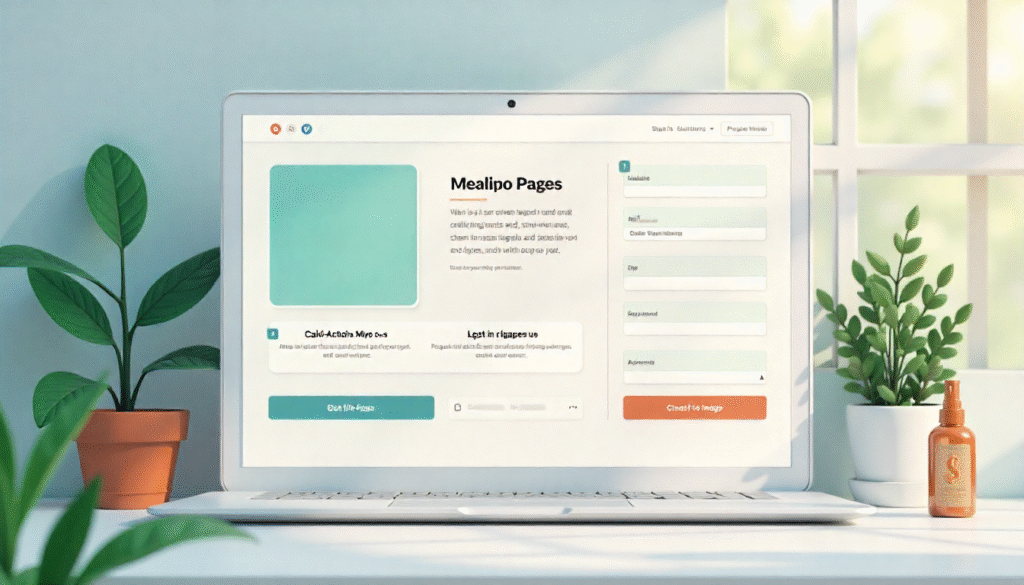
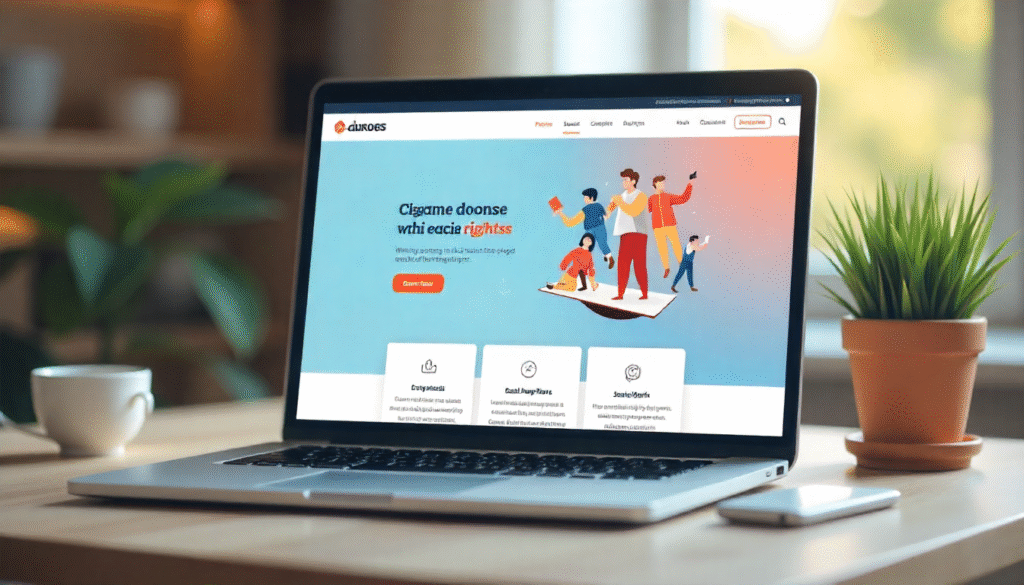
A WordPress landing page is a special page on your website that is made for one clear purpose. Unlike a homepage that shows many things like menus, blog posts, or different links, a landing page is focused on just one goal. This goal can be collecting emails, selling a product, promoting an event, or getting people to sign up for something.
The main idea of a landing page is to guide visitors to take action without getting distracted. That is why it usually has a strong headline, a short message, and a clear button like “Buy Now” or (Sign Up).
If you use WordPress, you can easily create landing pages with plugins, themes, or even the default block editor. This makes it simple for anyone, even beginners, to build pages that convert visitors into customers or leads.
Why Use a WordPress Landing Page?
A WordPress landing page is very useful because it helps you focus on one main goal without any distractions. If you want visitors to buy a product, sign up for your newsletter, or register for an event, a landing page gives them a simple path to do it. Unlike a normal homepage that shows menus, posts, and many links, a landing page only highlights what really matters.
Using a landing page also makes your marketing more effective. When you run ads or share links on social media, sending people directly to a landing page often gives you more sales or signups compared to sending them to your homepage.
It also makes it easy to track results because you can measure how many people clicked your button or filled out your form. In short, a WordPress landing page is the best way to turn visitors into customers, leads, or subscribers.
Types of WordPress Landing Pages
Here are the most popular types:
| Type of Landing Page | Goal | Best Use Case | Example |
| Lead Generation | Collect emails | Newsletter signups | Free ebook offer |
| Sales Page | Sell product/service | eCommerce, coaching | One-time offer |
| Webinar Page | Get registrations | Online events | Free workshop |
| Thank You Page | Confirm action | After sign-up or purchase | Download link |
| Event Page | Promote events | Conferences, meetups | Ticket sales |
| Product Launch | Showcase new item | Startups, apps | New release |
How to Build a WordPress Landing Page
Building a WordPress landing page is simple and you do not need coding skills. Here are the main steps explained in easy words:
Choose Your Goal
- Decide what you want the page to do (get signups, sell a product, promote an event).
- Keep only one goal to avoid confusion.
Pick a Method
- Use a page builder plugin like Elementor, Divi, or Beaver Builder for drag-and-drop design.
- Use a landing page theme made for conversions.
- Or use the default WordPress block editor for a simple design.
Add a Strong Headline
- Write a short, clear headline that tells visitors what they get.
- Example: “Get Your Free Guide Today.”
Use Clean Design
- Add images or a short video to make the page attractive.
- Keep plenty of white space so it feels simple and easy to read.
Add a Call-to-Action (CTA) Button
- Make your button clear and visible (like “Sign Up Now” or “Buy Today”).
- Use bright colors so it stands out.
Include a Simple Form
- If you want emails, add a short form with only 1–2 fields.
- Do not ask for too much information, it may scare people away.
Add Trust Elements
- Show reviews, testimonials, or logos of brands you worked with.
- This helps build trust with new visitors.
Make It Mobile Friendly
- Check that your landing page looks good on phones and tablets.
- Many visitors come from mobile devices.
Optimize for Speed
- Use light images and a fast theme.
- A slow page can make visitors leave.
Test and Improve
- Try different headlines, button colors, or layouts.
- See what brings more clicks and signups.
Key Elements of a High-Performing WordPress Landing Page
Headline Short and Powerful
Your headline is the first thing people see. It should be short, clear, and powerful. Tell visitors exactly what they will get.
Subheadline Explain the Benefit
Just below the headline, add a subheadline. This is a single sentence that explains the benefit of your offer. It should answer the question: “Why should I care?” (Get step-by-step tips that will help you rank higher on Google.) This line supports your headline and builds interest.
Hero Image or Video – Grab Attention Fast
Visuals are very important. A hero image (main picture) or a short video makes your landing page more attractive. The image should match your offer. If you are selling software, show a screenshot.
If you are offering a service, show happy customers. A video can explain your product in 1 to 2 minutes, which is easier for many visitors.
Call-to-Action (CTA) Button – Clear and Visible
Your CTA button is the most important part. This is where people take action. It must be big, clear, and easy to find. Use action words like “Get Started,” “Buy Now,” or “Join Free.” Make sure the button color stands out from the background so visitors cannot miss it.
Trust Elements Build Confidence
Many visitors will not take action unless they trust you. That is why you need trust elements like reviews, customer testimonials, ratings, or logos of brands you have worked with. These small details make your landing page more believable and show that other people already trust your offer.
Benefits Section Show What They Gain
People want to know what is in it for them. Use a simple benefits section with short points. Instead of talking only about features, explain the benefits.
- Save time with easy tools
- Boost your website traffic
- Get 24/7 customer support: Benefits explain how your offer makes their life easier, better, or faster.
Form or Checkout – Easy Way to Take Action
Finally, your landing page needs a simple way for visitors to complete the action. If you want signups, add a form with only 1–2 fields (like name and email).
If you are selling a product, make the checkout process quick and simple. The easier it is to take action, the more conversions you will get.
Writing Copy for Your WordPress Landing Page
Good design is important, but words matter more. Keep these rules in mind:
- Use short and clear sentences.
- Focus on the user’s problem.
- Show how your offer solves it.
- Add urgency with words like today, now, limited.
- Remove extra text that does not help.
Designing for Conversions
- Keep it clean – White space helps focus.
- Use contrast – Buttons should stand out.
- Mobile friendly – Most visitors come from phones.
- Fast loading – Use a light theme and optimized images.
SEO for WordPress Landing Page
A landing page is not only for ads. It can also rank on Google.
Tips:
- Use your main keyword (“WordPress landing page”) naturally.
- Add it in the title, URL, and headings.
- Write 2000+ words of helpful content (like this guide)
- Use images with alt text.
- Build links from other pages.
Common Mistakes
- Too much text that confuses the visitor.
- No clear button or action.
- Slow loading time.
- Asking for too much info on forms.
- Not testing different versions.
Tools to Improve Your WordPress Landing Page
- Google Analytics – Track visitors.
- Hotjar – See where users click.
- A/B Testing Tools – Compare versions.
- Email Marketing Tools – Connect your form to services like Mailchimp.
How to Test and Improve

A WordPress landing page is never perfect the first time. You should test it and see what works best. Try changing small things like the headline, button color, or images, and check which version gets more clicks or signups.
This process is called A/B testing. Use tools like Google Analytics or Hotjar to see how visitors behave on your page. Keep improving step by step, and soon your landing page will perform much better.
Final Thoughts
A WordPress landing page is the fastest way to grow leads, sales, and engagement. With the right design, words, and tools, you can make a page that works 24 to 7. Start simple, test often, and improve step by step.
Remember: one page, one goal. That is the secret of success. learn more about our SEO for business growth strategies instead of just “Rteetech LCC”
FAQs
What is a WordPress landing page used for?
It is used to get signups, sales, or leads from visitors.
Can I build a landing page without coding?
Yes, use plugins like Elementor or Divi.
How do I add a form to my landing page?
Use a form plugin and embed it on the page.
What makes a landing page effective?
Clear headline, benefits, and one strong call-to-action.
Do I need a separate domain for a landing page?
No, you can create it inside your WordPress site.
How long should a landing page be?
It depends on the goal; short for signups, long for sales.
Is SEO important for a WordPress landing page?
Yes, it helps you get free organic traffic.
Can I use multiple landing pages on one site?
Yes, you can create different pages for different offers.