Most professionals spend hours every week sorting emails. Important messages often get buried under newsletters receipts and automated alerts. The real challenge does not lie in email itself but in the absence of a smart automated system to manage it. AI email agents transform this process entirely.
Instead of manually filtering messages an AI agent reads incoming emails, understands their intent and organizes your inbox intelligently. Once configured it can prioritize urgent conversations, summarize long threads and even draft responses automatically.
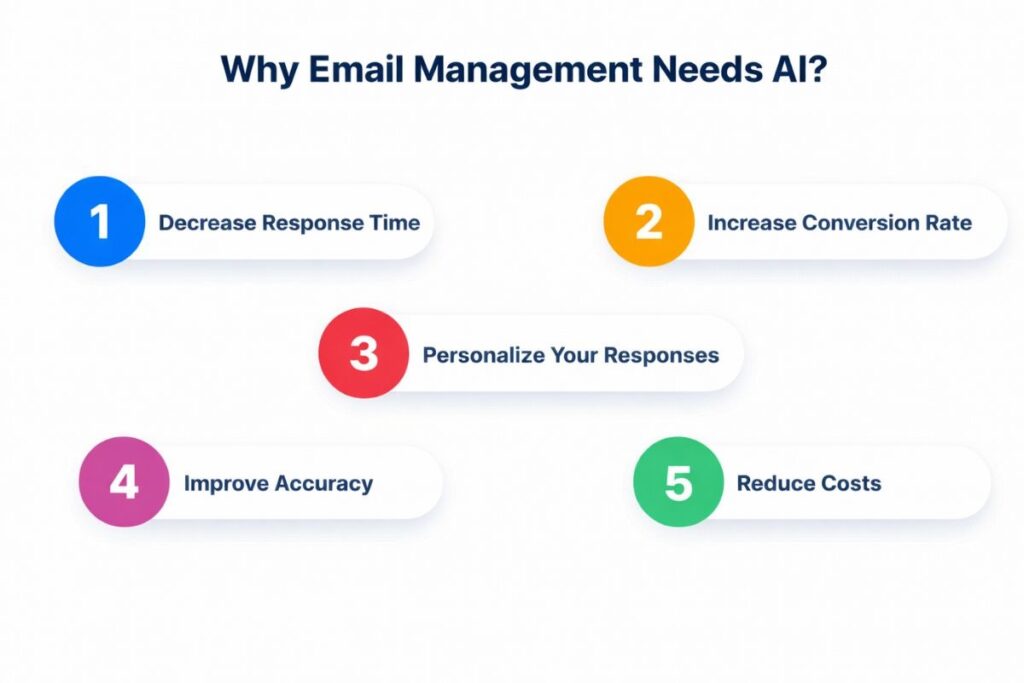
Why Does Email Management Need AI?
Traditional email management relies on filters and folders. You instruct your inbox to move messages from specific senders into predefined categories. This method worked when email communication remained predictable. Modern inboxes however differ significantly.
Emails now include conversations attachments, tasks invoices meeting invitations and project updates. Many messages require contextual understanding rather than simple keyword matching.
AI solves this challenge by analyzing the meaning of each email. It considers context sender relationships and conversation history to determine priority.
The result is a smarter inbox where important emails appear immediately, routine notifications are organized automatically and long threads can be summarized so you do not need to read every line. Professionals who spend hours managing communication can dramatically improve productivity with AI-driven email management.
What Is an AI Email Agent?
An AI email agent is software that automatically manages incoming emails. Unlike basic automation tools these agents rely on machine learning and natural language processing (NLP) to interpret messages accurately. They read the subject line, analyze the body and determine the purpose of the communication.
Once the system understands a message it can take actions such as sorting emails into categories highlighting urgent conversations, drafting reply suggestions summarizing long threads or triggering workflows in other applications.
Some agents run directly within platforms like Gmail or Microsoft Outlook while others integrate with automation platforms connecting email to project management tools, CRM systems or other productivity applications.
Over time the agent learns your behavior. If you respond quickly to specific contacts it automatically prioritizes messages from those senders. Essentially the AI agent acts as a digital assistant quietly organizing your inbox in real time.
How AI Agents Actually Sort Emails?
Understanding how AI agents sort emails clarifies their effectiveness. When a new message arrives the agent performs several steps. First it analyzes the email using NLP identifying topics intent and sentiment.
Next it examines contextual signals such as sender importance past interactions keywords indicating deadlines and conversation history. The AI then classifies the email into a category such as urgent action required informational or low priority.
Finally it executes the appropriate action applying labels, moving the email to a folder highlighting it for review or creating tasks in linked applications. This process occurs within seconds providing instant organization and workflow efficiency.
Core Capabilities of AI Email Agents
Modern AI inbox assistants offer features that extend well beyond basic sorting. They categorize messages intelligently detecting intent rather than relying on keywords alone. For example invoices may automatically route to a finance folder while meeting requests appear in a scheduling category.
Priority detection ensures that high value messages such as those from clients, executives or active projects appear at the top of your inbox. AI can summarize long email threads highlighting critical decisions and action items.
Draft reply suggestions allow you to review and send messages quickly while workflow automation triggers relevant actions like creating helpdesk tickets or logging inquiries in a CRM system. These capabilities transform email from a time-consuming task into an intelligent automated workflow.
Step by Step Guide to Using an AI Agent to Sort Emails
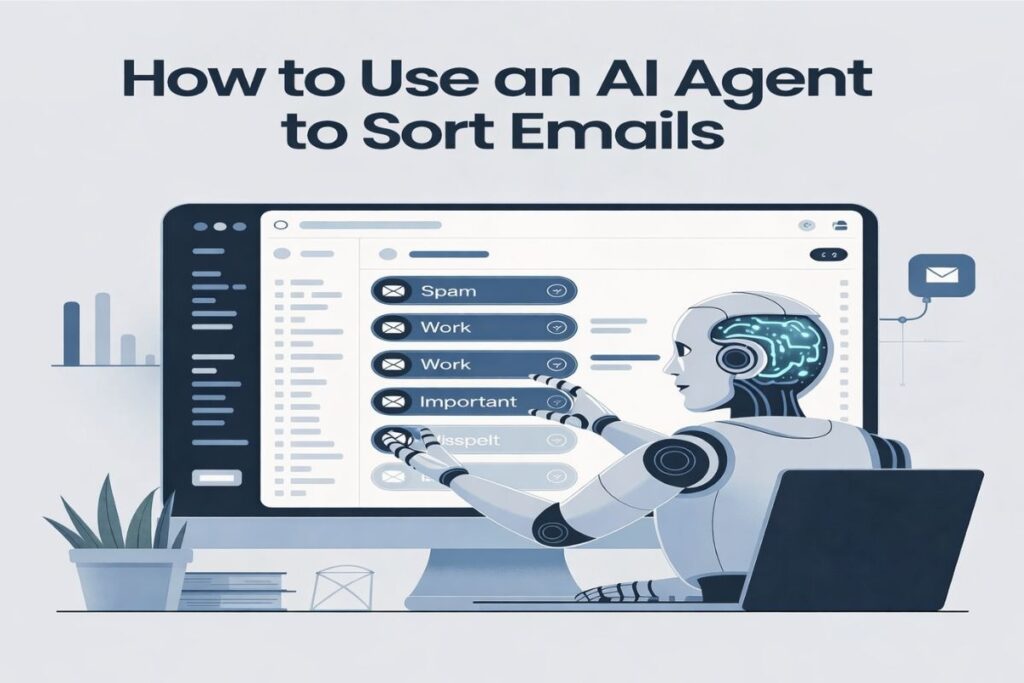
Setting up AI driven email automation takes less than an hour for most users.
Step 1: Choose an AI Email Tool
Select a platform that integrates with your inbox. Options include AI assistants for Gmail and Outlook or automation platforms linking emails to external AI models. Look for tools offering natural language understanding, intelligent inbox categorization, secure authentication and automation integrations. Your choice depends on how advanced and scalable you want your system to become.
Step 2: Connect Your Inbox Securely
Most AI tools connect through secure authorization protocols eliminating the need for passwords. Grant the system permission to read and organize your emails. Some tools also request access to draft responses or apply labels automatically. Ensure the platform uses encryption and follows established privacy standards.
Step 3: Train the AI Agent
Training involves labeling a small sample of emails to teach the system your preferences. Mark examples of urgent client messages, newsletters , internal updates and emails requiring replies. The AI then creates a classification model tailored to your inbox. This step usually takes about twenty minutes and improves accuracy significantly.
Step 4: Create Intelligent Sorting Rules
AI systems allow intent-based instructions not rigid filters. Configure rules like moving invoice emails to a finance folder flagging contract deadlines highlighting messages from key clients or archiving newsletters automatically. Combining rules with AI analysis ensures precise sorting.
Step 5: Enable Automated Responses
Many AI assistants draft replies for routine scenarios such as confirming receipt suggesting meeting times or answering FAQs. Start by reviewing responses manually. As confidence grows, allow the system to handle routine replies automatically, saving time without compromising accuracy.
Step 6: Integrate with Productivity Tools
The real power of AI email agents emerges when connecting with other applications. Sales inquiries can generate CRM leads, support emails can create help desk tickets and project updates can trigger tasks in project management tools. Integration transforms email from a communication channel into a robust workflow engine.
A Practical Example of AI Email Automation
Consider a freelancer managing multiple client communications. Their inbox fills daily with invoices, project updates, meeting requests and newsletters.
With an AI agent new messages arrive the system analyzes each email’s intent routes invoices to the finance folder, marks client questions as high priority triggers scheduling suggestions for meetings and archives promotional emails automatically.
Within seconds the inbox becomes organized and easy to manage. The freelancer no longer scans dozens of emails manually but focuses on priority messages improving productivity and reducing email fatigue.
Best AI Tools for Email Sorting
Several tools enable AI inbox automation:
- ChatGPT-based Email Assistants: Analyze content and generate intelligent responses often alongside automation platforms.
- Microsoft Copilot for Outlook: Integrates directly with Outlook to organize messages, draft replies and summarize conversations.
- AI-powered Gmail Assistants: Enhance Gmail with smart categorization summarization and workflow features.
- Automation Platforms: Connect email with AI models to create customized multi step automation pipelines.
Choosing the right tool depends on the complexity and scale of your automation needs.
Real World Use Cases
AI email sorting extends beyond personal productivity. Organizations use it to streamline operations effectively. Customer support teams benefit as AI identifies complaint emails, creates support tickets and sends acknowledgment responses automatically.
Sales teams analyze incoming inquiries to detect high-intent leads ensuring critical prospects receive immediate attention. Executives handle hundreds of messages daily and AI highlights strategic communications while filtering routine updates.
Freelancers and consultants organize project communication efficiently managing multiple clients without manual inbox management. These use cases show how intelligent automation reduces administrative workload across industries and roles.
Common Mistakes to Avoid
AI email automation is powerful but mistakes can reduce effectiveness. Over automating responses too soon can create errors so review AI generated replies until the system consistently performs accurately.
Poor training data can confuse the model so label sample emails correctly. Always maintain privacy vigilance and ensure the platform follows secure data handling practices.
Privacy and Security Considerations
Emails often contain sensitive information. Reliable AI tools use encrypted connections, secure authentication and adhere to international privacy standards. Even with highly accurate AI occasional misclassifications can occur so maintaining human oversight and periodic review ensures consistent trust in automated workflows.
Conclusion
Manual email management creates one of the largest productivity bottlenecks in modern work. AI offers a practical solution. Learning to use an AI agent transforms chaotic inboxes into systems that highlight what matters most.
The setup remains simple: choose a tool to connect your inbox securely, train the AI, implement sorting rules and gradually expand automation. Within a short time the inbox works for you instead of demanding constant attention. Email becomes a communication tool rather than a daily burden.
FAQs
Is it safe to let AI read my emails?
Yes. Trusted AI email assistants use encryption and secure authentication to protect your data. They only access emails you authorize and do not share information externally.
Can AI draft emails in multiple languages?
Yes. Many AI tools support multilingual drafting, translating content and adapting tone for different audiences automatically. This helps save time and maintain professionalism.
How much time can AI save managing emails weekly?
Depending on inbox size AI can reduce 5-10+ hours of manual sorting and responses each week. Automation of repetitive tasks significantly boosts productivity.
Can AI track emails that need follow-up?
Absolutely. AI can flag important messages, set reminders and highlight emails that require action ensuring you never miss critical tasks or deadlines.
Are AI-generated email suggestions customizable?
Yes. You can adjust tone style and content preferences. The AI learns from your edits over time improving its suggestions to match your communication style.