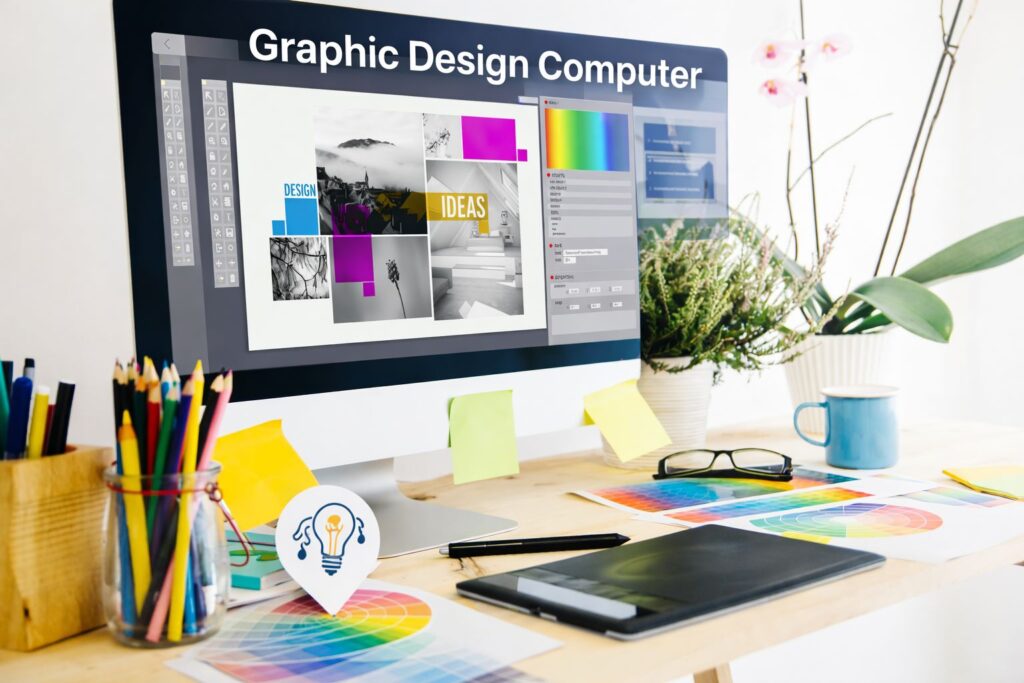
Graphic design has undergone a tremendous evolution over the years and at the core of modern design workflows lies computers tailored for creative professionals.
From editing high resolution images in Adobe Photoshop to rendering complex 3D models and animations the right computer can significantly enhance productivity, reduce rendering times and ensure precision in your visual projects.
Understanding what makes a computer ideal for graphic design is crucial for both beginners and seasoned designers.
What Are Graphic Design Computers?
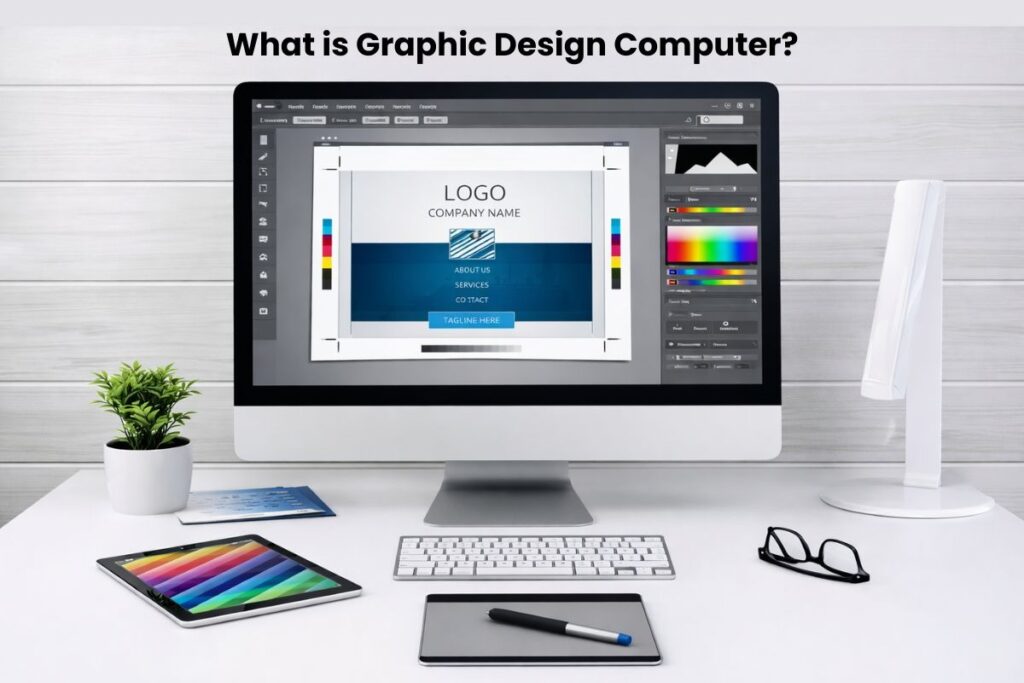
Graphic design computers are devices specifically optimized for creative work. Unlike standard PCs they are built to handle resource intensive design software large files and multitasking without slowing down. Key features of these machines include:
- Powerful CPUs for fast processing of complex calculations and rendering tasks.
- High-performance GPUs for smooth 2D and 3D rendering video editing and animation.
- Ample RAM to manage multiple applications simultaneously.
- High-resolution displays with wide color gamuts for accurate visual representation.
- Fast storage like SSDs for rapid file access and software performance.
These computers deliver not only speed but also reliable performance, precise color fidelity and seamless operation which designers require for professional grade work.
Key Hardware Considerations
1. CPU (Central Processing Unit)
The CPU is the brain of your computer and directly impacts processing speed and multitasking efficiency.
- Entry level designers: Quad core processors suffice for 2D graphics vector illustrations and light photo editing.
- Professional designers: Six to eight-core processors or higher are recommended for video editing, 3D rendering and advanced animation.
- Modern CPUs: from Intel AMD Ryzen and Apple M-series chips offer remarkable efficiency for creative workflows.
2. GPU (Graphics Processing Unit)
A powerful GPU is critical for real-time previews and rendering tasks.
- Handles 3D modeling video editing animation and high-resolution image processing.
- Dedicated GPUs such as NVIDIA GeForce RTX, AMD Radeon RX and Apple M1 GPU cores outperform integrated graphics in professional software like Blender After Effects and Photoshop.
- GPU acceleration reduces render times and ensures smoother interaction in complex projects.
3. RAM (Random Access Memory)
RAM ensures your computer can manage multiple programs and large files without lag.
- Minimum requirement: 16GB for standard design tasks.
- Professional workload: 32GB or more for heavy applications like Illustrator Premiere Pro 3D modeling suites and multi layered Photoshop files.
4. Storage
Storage type affects performance and workflow efficiency.
- SSDs (Solid State Drives): Faster boot times, quicker file transfers and smooth application performance.
- HDDs (Hard Disk Drives) store backups or archive files but they operate slower than SSDs.Ds (Hard Disk Drives): Generally used for backups or archival storage due to slower speeds.
- Recommended size: 512GB minimum; 1TB+ is ideal for extensive design libraries and 4K video projects.
6. Display Quality
The monitor is essential for accurate design work.
- Resolution: Designers should choose at least Full HD (1920×1080) while 4K (3840×2160) or higher ensures detailed work..
- Color accuracy: Wide color gamuts like sRGB Adobe RGB or DCI-P3 ensure precise color representation.
- Screen size: 27 inches or larger improves workspace and reduces eye strain for detailed projects.
Desktop vs. Laptop for Graphic Design
Desktop Computers
- Provide superior performance per dollar.
- Easier to upgrade components like RAM, GPU and storage.
- Typically feature larger monitors for immersive design experiences.
- Ideal for studios, professional designers and those who prioritize power over portability.
Laptop Computers
- Offer portability perfect for freelancers or students.
- Require careful selection for GPU RAM and display quality.
- Battery life and thermal management may limit performance in high-end tasks.
- Examples include MacBook Pro, Dell XPS series and Lenovo Yoga laptops.
Specialized Requirements for 3D Modeling & Video Editing
Graphic design often goes beyond 2D tasks. For 3D modeling animation and video editing computers need to:
- Render complex 3D scenes without lag.
- Handle real time previews at high resolutions.
- Run software like Autodesk Maya Blender Cinema 4D After Effects or Premiere Pro efficiently.
- Require high end GPUs, extra RAM and SSD storage for optimal performance.
Operating System Considerations
- Windows: Broad software compatibility customization options and favored for CAD 3D and video workflows.
- macOS: provides color accuracy stability and seamless integration with creative software like Adobe Creative Suite and Final Cut Pro.
- Linux: offers high customization and suits budget-conscious designers or those with specialized workflows.ss common but highly customizable; suited for budget-conscious designers or specialized workflows.
Enhancing Your Graphic Design Workflow
Even a powerful computer can benefit from workflow optimizations:
- Regularly update design software and drivers for best performance.
- Use SSDs for active projects; HDDs for backups.
- Calibrate monitors to maintain color accuracy.
- Maintain cooling systems in desktops and laptops under heavy load.
- Use external peripherals: graphics tablets, calibrated monitors, ergonomic keyboards and precision mice for efficiency and comfort.
Top Graphic Design Computers for 2026
Although many computers handle creative work some models outperform others and stand out:hile any powerful computer can support creative work certain models stand out:
- 24” Apple iMac M1/M2 – Exceptional display color accuracy and processing power.
- Mac Mini M1/M2 – Compact portable supports high-res external monitors.
- Dell XPS 8940 – Customizable, excellent for freelancers and home studios.
- Microsoft Surface Studio 2 – Touchscreen interface vertical hinge ideal for digital drawing.
- Lenovo Yoga All-in-One – Affordable 4K display with touch and pen support.
- Alienware Aurora R10 – High-end performance for 3D and video editing.
- HP Envy Pro Curved 34” – Widescreen for immersive design workflows.
These computers serve designers with different budgets, tasks and creative preferences.
Why Are Graphic Design Computers Essential?
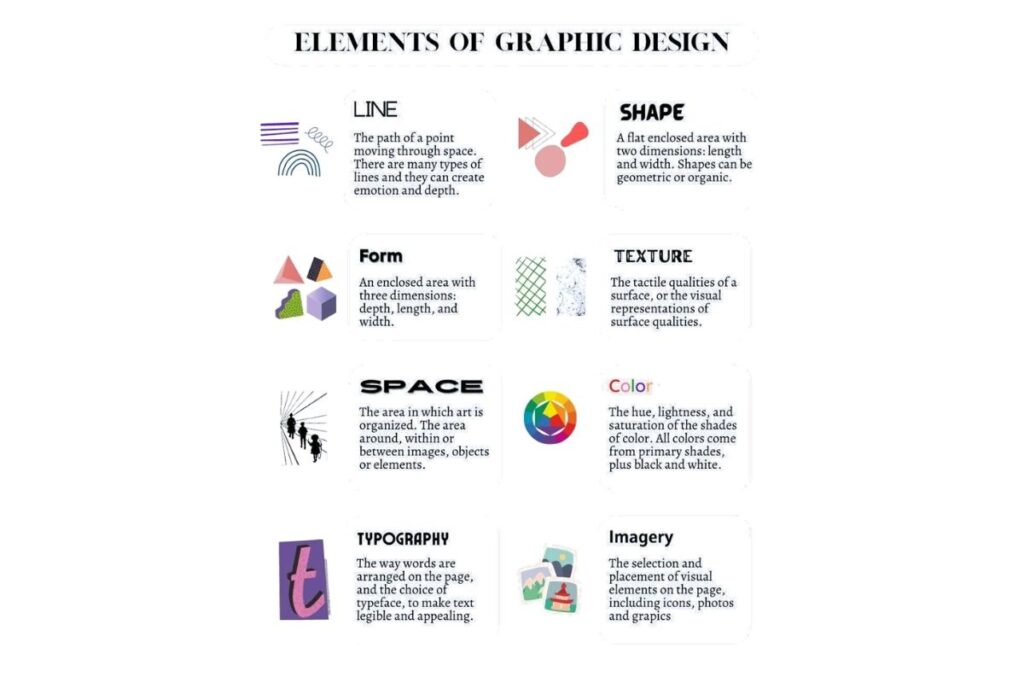
Modern graphic design demands accuracy, speed and reliability. High-performance computers allow designers to:
- Reduce rendering times.
- Work on large files and multiple applications simultaneously.
- Ensure color accurate outputs for print and digital media.
- Efficiently handle multimedia projects including video animation and 3D assets.
Investing in the right computer is not just about hardware it’s about optimizing your creative workflow and ensuring professional grade results
| Computer Model | CPU | GPU | RAM | Storage | Display | Price (Approx.) |
|---|---|---|---|---|---|---|
| 24” Apple iMac (M1/M2 2021-2026) | Apple M1/M2 8-core | Integrated 8-core | 8GB–16GB | 256GB–2TB SSD | 24″ 4.5K Retina Wide Color (P3) | $1299–$2499 |
| Mac Mini (M1/M2 2020-2026) | Apple M1/M2 8-core | Integrated 8-core | 8GB–16GB | 256GB–2TB SSD | External monitor up to 6K | $699–$1699 |
| Dell XPS 8940 | 11th Gen Intel Hexa-Core i5/i7 | Intel UHD / Optional NVIDIA | 16GB | 512GB SSD | External monitor required | $1099–$1599 |
| Microsoft Surface Studio 2 | Intel Core i7-7820HQ | NVIDIA GeForce GTX 1070 8GB | 16GB–32GB | 1TB–2TB SSD | 28″ PixelSense 4.5K Touchscreen | $3499–$4499 |
| Lenovo Yoga All-in-One | Intel Core i7-8700 | AMD Radeon RX 560X 4GB | 16GB | 1TB SSD | 27″ 4K UHD Touchscreen | $1299–$1799 |
| Alienware Aurora R10 | AMD Ryzen 7 5800 8-core | NVIDIA GeForce RTX 3060 12GB | 16GB | 1TB SSD | External monitor required | $1899–$2499 |
| HP Envy Pro Curved 34” | Intel Core i7-6700 | NVIDIA GeForce GTX 960A 2GB | 8GB–16GB | 2TB | 34″ Ultra WQHD Curved | $1399–$1899 |
Best for Beginners
Mac Mini (M1/M2)
- Compact, affordable and easy to set up.
- Integrated GPU and 8–16GB RAM handle standard 2D design and photo editing smoothly.
- Perfect for beginners or students starting with Photoshop Illustrator or light video editing.
Best for Professional 2D & Vector Design
24” Apple iMac (M1/M2)
- A stunning 4.5K Retina display ensures color accuracy for print and digital work.
- The 8-core CPU provides fast performance for complex Illustrator and InDesign projects.
- Ideal for designers who prioritize visual fidelity and stable macOS workflow.
Best for 3D Modeling & Animation
Alienware Aurora R10
- High-performance Ryzen CPU and RTX 3060 GPU handle 3D modeling Blender and Maya with ease.
- 16GB RAM and 1TB SSD provide fast rendering and real-time previews.
- The desktop form factor lets designers upgrade components in the future to handle intensive 3D or animation workloads.op form factor allows future upgrades for intensive 3D or animation workloads.
Best for Video Editing & Motion Graphics
Microsoft Surface Studio 2
- 28” PixelSense 4.5K touchscreen allows precise editing and animation directly on the screen.
- NVIDIA GTX 1070 GPU with up to 32GB RAM handles Premiere Pro After Effects and DaVinci Resolve efficiently.
- The Touchscreen combined with the Surface Pen turns this device into a digital drawing and editing hub.screen + Surface Pen transforms this into a digital drawing and editing hub.
Best All-in-One Touchscreen Option
Lenovo Yoga All-in-One
- 27” 4K UHD touchscreen with stylus support makes drawing vector design and touch interactions seamless.
- Good balance of performance and affordability.
- Suitable for freelancers and small studios needing a compact stylish workstation.
Best Ultra-Wide Display for Multi-Tasking
HP Envy Pro Curved 34”
- The 34” curved Ultra WQHD monitor eliminates the need for multiple screens.
- Designers benefit from this setup when managing multiple applications timelines or reference materials simultaneously.
- Ideal for workflow optimization and detailed project management.
Best Customizable Windows Option
Dell XPS 8940
- Flexible and easy to upgrade: add more RAM, GPU or storage as needed.
- Excellent for freelancers or office setups requiring a balance between performance and budget.
- This computer supports a variety of external monitors and peripherals enabling specialized workflows.
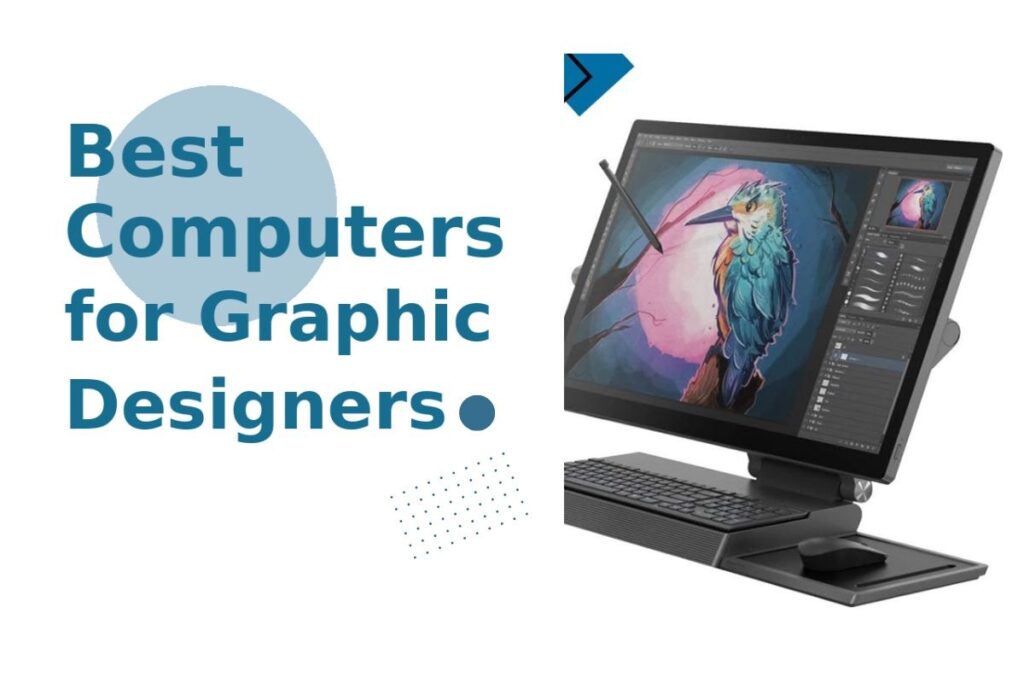
Pro Tip for Designers: Choosing a computer isn’t only about raw power, it’s about matching your workflow software and creative style. High end 3D artists need GPUs more than beginners focused on vector art while video editors prioritize RAM and screen accuracy.
Conclusion
So, when it comes to choosing the right Graphic Design Computers, it really comes down to your workflow and creative needs. If you handle basic 2D tasks, you don’t need extreme power but for 3D, animation or video editing, performance matters a lot. A balanced setup with a strong CPU, capable GPU, enough RAM and a color accurate display can completely improve your workflow.
In the end, your computer is your creative partner. When it runs smoothly, you work faster, create better and stay focused. So choose smartly and build a setup that supports your creativity without slowing you down.
FAQs
How long does a graphic design computer typically last?
A good graphic design computer usually lasts 4–6 years depending on usage and upgrades. High end systems with better specs tend to stay relevant longer. Regular maintenance and software optimization can also extend performance lifespan.
Do graphic designers need dual monitors or ultrawide screens?
Dual monitors or ultrawide displays significantly improve productivity and multitasking. Designers can manage tools, timelines and previews more efficiently. It’s not mandatory, but it’s a game changer for professional workflows.
Is a graphics tablet necessary with graphic design computers?
A graphics tablet is not required but highly beneficial for precision work like illustration and photo editing. It offers better control compared to a mouse. Many professional designers consider it an essential productivity tool.
What internet speed is ideal for graphic designers?
Graphic designers should have at least 20–50 Mbps internet for smooth cloud syncing and file uploads. Faster speeds help when working with large files or collaborating remotely. It also improves efficiency with cloud based design tools.
Can I build a custom PC for graphic design instead of buying pre-built ones?
Yes, building a custom PC gives you better control over performance and budget. You can prioritize components like GPU, RAM or storage based on your needs. It’s often more cost effective and upgrade-friendly than pre built systems.