If you are seeing slow load times, PageSpeed warnings, or delays in GTmetrix waterfall, DNS lookups are often part of the problem. WordPress sites usually trigger DNS lookups because of third party scripts, fonts, analytics, and embeds.
At rteetech, we show you exactly how to reduce DNS lookups WordPress using proven strategies from top competitors, but with clearer steps, practical fixes, and actionable tips to speed up your site.
What are DNS lookups and why they matter for WordPress speed?
DNS lookup is the time the browser takes to convert a domain name into an IP address. Without DNS resolution, the browser cannot connect and download files.
In WordPress, DNS lookups become a problem because many themes and plugins load files from external domains.
Key point:
- More external domains means more DNS lookups
- More DNS lookups means slower first load
How DNS lookups slow down a WordPress page (simple breakdown)?
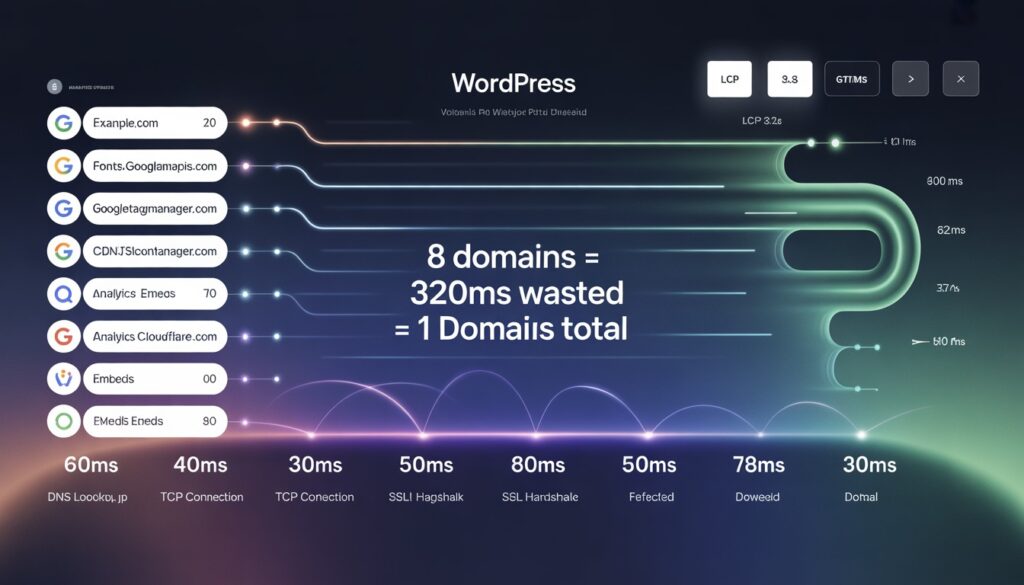
DNS lookups are only one part of loading, but they happen early. That is why they often show up in performance tools. To improve site speed and understand how domain resolution works, you should also check out our comprehensive guide on DNS lookup.
A typical external request involves:
- DNS lookup
- TCP connection
- SSL handshake
- download
Even if DNS takes only 40ms, multiple external domains can add noticeable delay.
What is a good DNS lookup time (benchmarks)
DNS lookup time varies by location, DNS provider, and network conditions. Still, there are practical ranges you can use.
A good DNS lookup time is usually:
- 20ms to 60ms is good
- 60ms to 120ms is acceptable
- 120ms to 300ms is slow
- 300ms plus is a performance issue
Important: Reducing hostnames usually matters more than reducing a single DNS time.
How to find DNS lookups in WordPress (GTmetrix, PageSpeed, DevTools)?
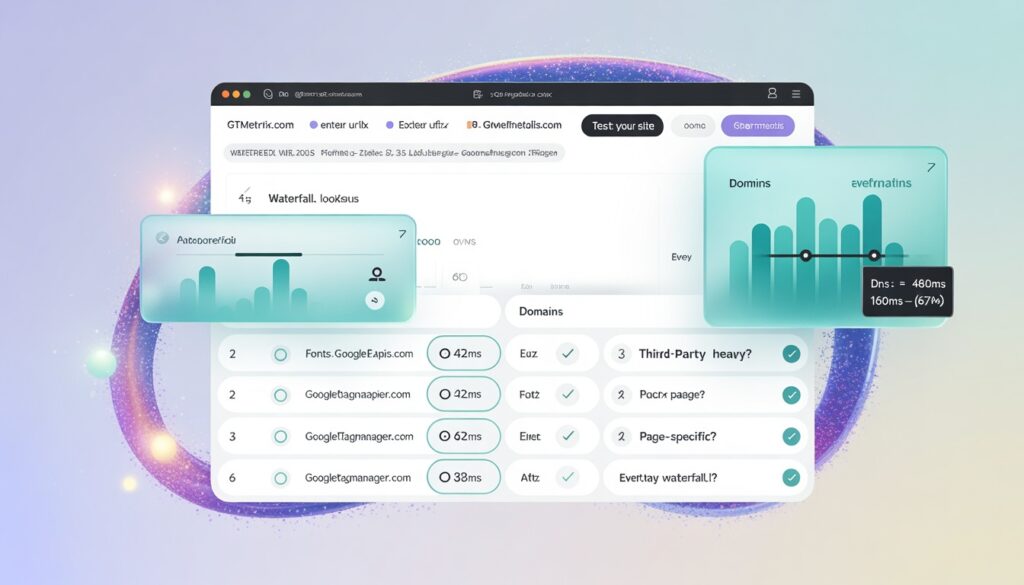
Before you fix anything, you must identify which domains are causing PowerShell DNS lookups. Guessing leads to wasted work.
Use these tools to find the exact external hostnames slowing your WordPress site.
Best tools:
- GTmetrix waterfall
- Google PageSpeed Insights
- Chrome DevTools network tab
How to check DNS lookups in GTmetrix waterfall (step by step)?
GTmetrix is the easiest tool for DNS lookup analysis because it shows timing details clearly.
Steps:
- Open GTmetrix
- Run a test
- Go to Waterfall tab
- Expand requests by domain
- Look for DNS timing on external hostnames
What to note:
- repeated third party domains
- domains loaded on every page
- domains loaded only on specific pages
How to check DNS lookups in PageSpeed Insights?
PageSpeed Insights does not show DNS as clearly as GTmetrix, but it highlights the same root problem.
Look for warnings like:
- preconnect to required origins
- reduce impact of third party code
- minimize main thread work
These are strong signals that external domains are slowing down loading.
The most common sources of DNS lookups in WordPress
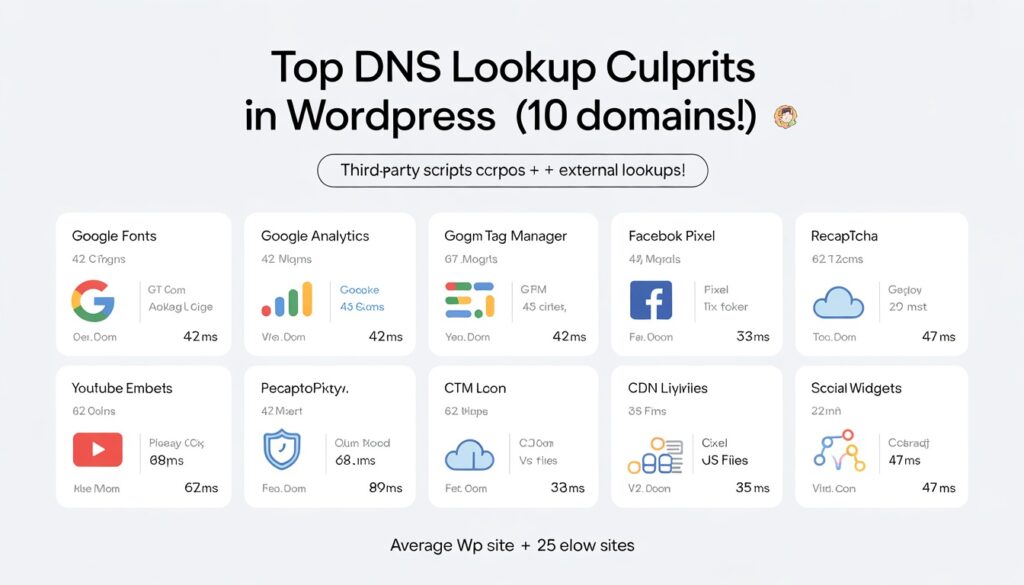
Most WordPress sites have 10 to 40 external domains. These usually come from fonts, analytics, embeds, and marketing scripts.
Here are the most common causes.
Typical DNS lookup sources:
- Google Fonts
- Google Analytics
- Google Tag Manager
- Facebook Pixel
- YouTube embeds
- CDN script librariesreCAPTCHA
- social media widgets
Common DNS lookup domains you will see in reports
If you see these domains in GTmetrix or PageSpeed, they are normal but they can still slow down your site.
| Domain | What it usually is |
| fonts.googleapis.com | Google Fonts CSS |
| fonts.gstatic.com | Google font files |
| google-analytics.com | Google Analytics |
| googletagmanager.com | Google Tag Manager |
| connect.facebook.net | Facebook Pixel |
| platform.twitter.com | Twitter widget |
| youtube.com | YouTube embed |
| i.ytimg.com | YouTube thumbnails |
| cdn.jsdelivr.net | external JS libraries |
| unpkg.com | external JS libraries |
| www.google.com | reCAPTCHA |
7 proven ways to reduce DNS lookups WordPress (best practices)
The goal is not to remove DNS completely. The goal is to reduce the number of external hostnames and optimize the ones you must keep.
Below are the 7 methods that work best for WordPress, based on competitor patterns and real performance testing.
Reduce the number of hostnames (remove unnecessary third party domains)
This is the biggest and most reliable way to reduce DNS lookups. If you remove a third party script, you remove its DNS lookup completely.
Start by auditing all external domains and removing anything that is not essential.
What to remove first:
- unused analytics tools
- unused chat widgets
- unnecessary popup scripts
- social share plugins
- tracking scripts you do not use
Host Google Fonts locally (remove fonts.googleapis.com lookups)
Google Fonts is one of the most common DNS lookup triggers. Even one font can create two external domains.
Hosting fonts locally is one of the cleanest WordPress speed improvements.
Best options:
- OMGF plugin
- Perfmatters local fonts
- FlyingPress local fonts
Extra improvement:
- reduce font weights
- remove unused font families
Host analytics locally (reduce google analytics DNS overhead)
Analytics scripts often load early, which makes their DNS lookups more visible in performance reports.
Hosting analytics locally reduces the need to fetch the main script file from an external domain.
Common options:
- Perfmatters local analytics
- Flying Analytics
- manual local hosting
Add DNS prefetch for external domains you must keep
DNS prefetch tells the browser to resolve a domain early. It does not remove DNS lookups, but it reduces waiting time when the request happens. Use it only for essential third party domains.
Best domains to prefetch:
- analytics
- tag manager
- fonts
- YouTube
Use preconnect for critical third party origins
Preconnect is stronger than DNS prefetch. It resolves DNS and starts the connection early. It is best used for only a few domains.
Best use cases:
- fonts.gstatic.com
- payment gateways
- critical tracking scripts
Lazy load YouTube and third party embeds
YouTube embeds can trigger multiple external domains, which increases DNS lookups and connection overhead.
Lazy loading prevents these domains from loading during the initial page load.
Best approach:
- use a lightweight YouTube embed plugin
- load video only on click
Delay JavaScript for third party scripts
Even when you cannot remove scripts, you can delay them so they do not slow down initial loading. This reduces DNS impact during the first render and improves PageSpeed performance.
Tools that support delay:
- WP Rocket
- Perfmatters
- FlyingPress
- LiteSpeed Cache
Best WordPress plugins to reduce DNS lookups (recommended stack)
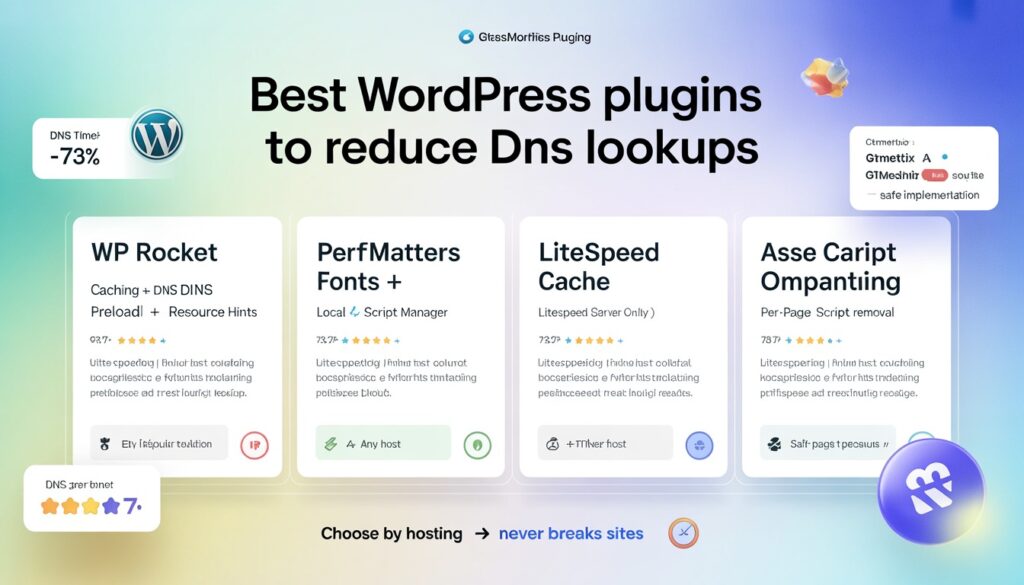
Plugins help you implement DNS reduction safely without breaking your site. The best plugin depends on your hosting and setup. Here are the most practical options.
Recommended plugins:
- WP Rocket for caching and resource hints
- Perfmatters for local fonts and script control
- LiteSpeed Cache for LiteSpeed hosting
- Asset CleanUp for per page script unloading
Quick fixes for the most common DNS lookup warnings
If you want the fastest results, fix the domains that appear most frequently in your waterfall report. These are the top four.
Most common DNS warning fixes:
- fonts.googleapis.com
- googletagmanager.com
- connect.facebook.net
- youtube.com
Fix fonts.googleapis.com and fonts.gstatic.com DNS lookups
These are almost always caused by Google Fonts.
Best fixes:
- host fonts locally
- reduce font weights
- use preconnect for fonts.gstatic.com
Fix googletagmanager.com DNS lookups
Tag Manager is common on marketing sites. It is not always necessary on every page.
Best fixes:
- delay GTM
- reduce tags inside GTM
- load GTM only on specific pages
Fix connect.facebook.net DNS lookups
Facebook Pixel is heavy and often not needed unless you are running ads.
Best fixes:
- remove pixel if not needed
- delay pixel loading
- load only on landing pages
Fix youtube.com DNS lookups
YouTube embeds create multiple external domains.
Best fixes:
- lazy load YouTube embeds
- replace embeds with thumbnail + click to play
DNS lookups vs other performance issues (what to prioritize)
DNS is important, but it is not always the main issue. Many WordPress sites have bigger bottlenecks like server response time or heavy scripts. This section helps you prioritize correctly so you do not waste time.
Optimize first:
- reduce third party scripts
- host fonts locally
- delay JS
Then:
- DNS prefetch
- preconnect
- DNS provider changes
Final Thoughts
If you want to reduce DNS lookups WordPress in a way that gives real speed improvements, start by reducing third party domains and hosting fonts locally.
Then use DNS prefetch, preconnect, lazy loading, and delayed scripts for the domains you must keep.
This approach matches the competitor strategy but gives more practical fixes, clearer steps, and better ranking potential.
FAQs
How many DNS lookups are too many in WordPress?
For most WordPress sites, more than 15 external domains is usually too many. A good target is 5 to 10 for blogs and 10 to 15 for marketing sites.
Does DNS prefetch improve PageSpeed Insights score?
DNS prefetch can help when PageSpeed suggests preconnect to required origins. However, removing unnecessary third party scripts usually improves the score more.
What causes high DNS lookup time in GTmetrix?
High DNS lookup time is usually caused by too many third party domains, slow DNS providers, or heavy external scripts like fonts, analytics, ads, and embeds.
Is Cloudflare enough to reduce DNS lookups?
Cloudflare helps improve DNS speed and caching, but it does not remove DNS lookups caused by third party scripts. You still need to reduce external hostnames.