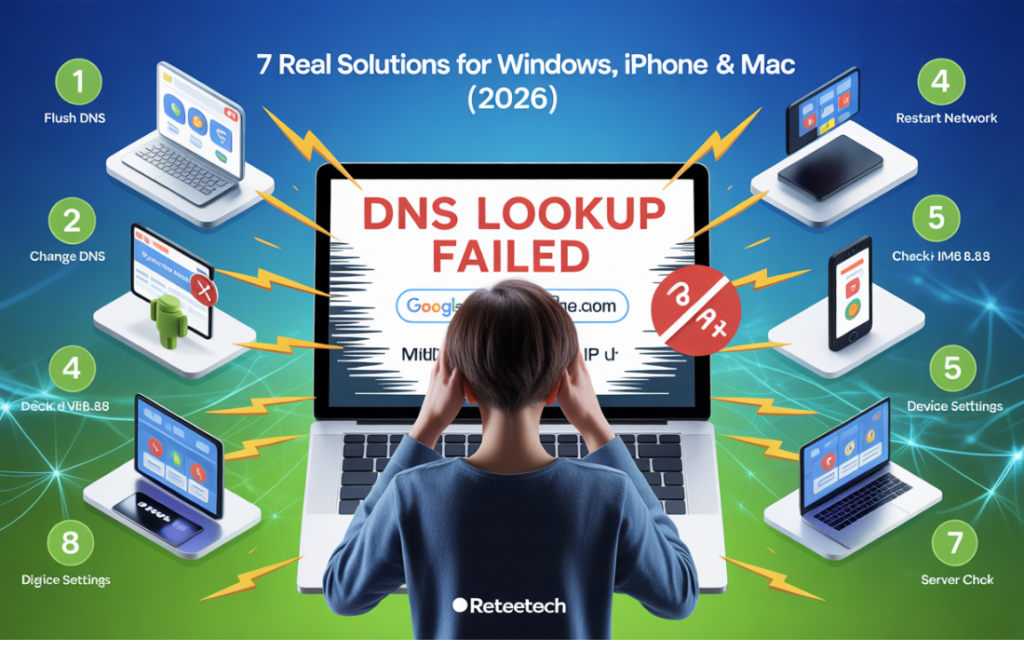
Have you ever tried opening a website or app and suddenly saw a DNS Lookup Failed error? It’s a common issue that blocks websites, apps, and email, leaving users frustrated.
At Reteetech, we know how confusing it can be when some devices work while others don’t. This error occurs when your device can’t translate a domain name, like google.com, into its IP address, due to network glitches, device settings, ISP issues, or app conflicts.
In this guide, we’ll show proven fixes for Windows, macOS, Android, iPhone, Chrome, Outlook, Discord, and more. You’ll learn how to quickly identify whether the issue is device, network, or server-related. Follow these steps to resolve DNS Lookup errors efficiently and get back online without frustration.
What Does “DNS Lookup Failed” Mean?
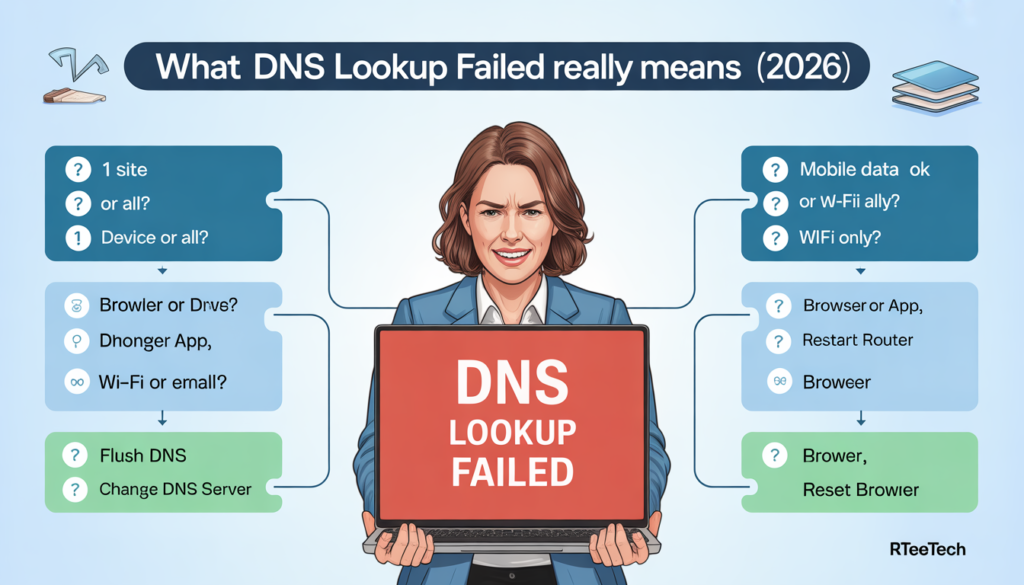
When your browser or app shows DNS Lookup Failed, it means your device couldn’t translate a website name into its IP address.
This translation is necessary to connect to any site, so if it fails, you’ll see this error. Let’s break down exactly what this means and why it happens.
- DNS lookup failed means your device couldn’t find the IP address of a website you tried to visit. Without this translation, your browser or app can’t connect.
- DNS works like the internet’s phone book, converting domain names (like example.com) into numerical IP addresses.
- Common reasons for failure: network issues, wrong DNS settings, or DNS servers not responding.
- It doesn’t always mean the website is down: often the problem is local to your device or network.
- Quick takeaway: if you see this error, the system tried to locate a website but the “name-to-number” step failed.
Before You Fix Anything: Identify Your Exact Situation
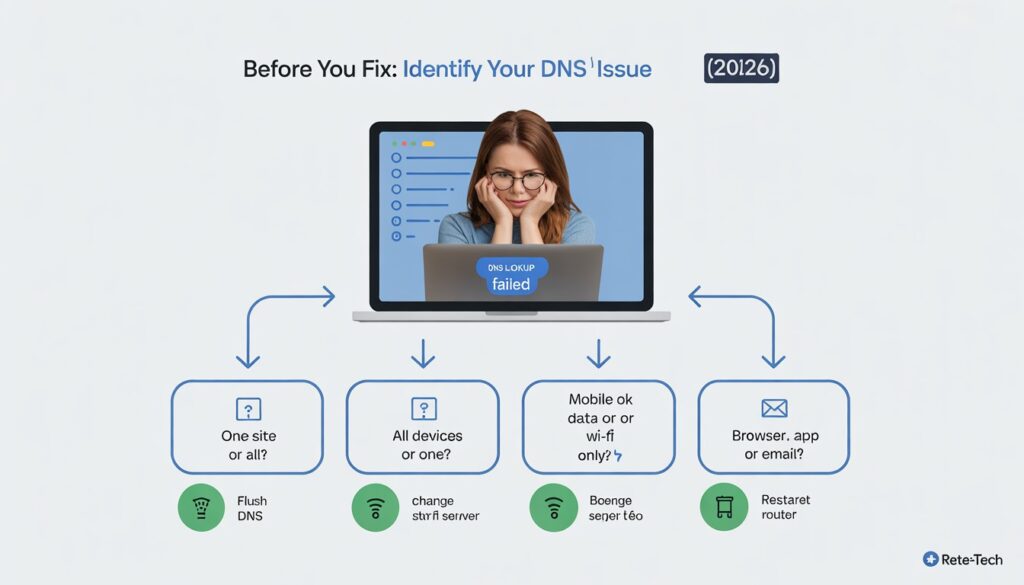
DNS issues aren’t always one-size-fits-all. Fixing the wrong problem can waste time. Ask yourself these questions:
- Is the error happening on only one website or all sites?
- Does it affect all devices or just one?
- Does it work on mobile data but not Wi-Fi?
- Is it occurring in a browser, app, or email client?
Once you identify your case, you can apply the right solution without trial-and-error frustration.
If DNS Lookup Failed on Only One Website
When just one site shows a DNS lookup failed error, the problem is usually server-side. Common causes include:
- Website DNS misconfiguration: The site may have incorrect DNS records.
- Domain expiration: The website may have expired or been suspended.
- DNS propagation delay: Recent changes may not have spread worldwide yet.
How to confirm:
Try loading the site from a different network or device. If it works elsewhere, the problem is likely on the server, not your system.
For more details on how to identify which DNS server your device is using and confirm it’s resolving correctly, check our guide on how to find your DNS server across devices.
If DNS Lookup Failed on All Websites?
If every website fails, the issue is typically local or ISP-related. Here’s how to fix it:
1. Restart Your Router and Device
Power-cycling clears temporary glitches and resets network connections. Simply turn off your router and device, wait 30 seconds, and power them back on.
2. Clear Your DNS Cache
Corrupted DNS cache can block correct name resolution:
- Windows: Open Command Prompt and type:

- macOS: Open Terminal and type:

3. Check Network Settings
Ensure your device is set to obtain IP and DNS automatically. Misconfigured settings can block proper DNS resolution.
4. ISP DNS Outage or Filtering
Sometimes, your Internet Service Provider’s DNS servers may be down or filtering traffic. Testing with public DNS like Google (8.8.8.8 / 8.8.4.4) or Cloudflare (1.1.1.1 / 1.0.0.1) can help.
DNS Lookup Failed on One Device Only
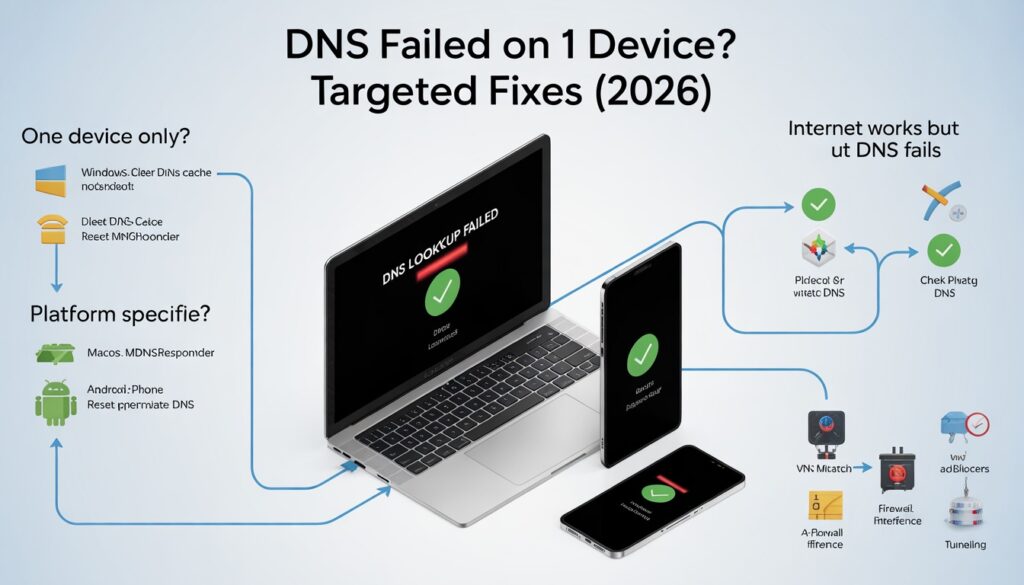
If other devices work fine, focus on the affected system.
Windows
- Clear DNS cache (see above)
- Check network adapter settings for manual DNS overrides
- Reset network stack if needed
macOS
- Reset mDNSResponder cache
- Check network service priority for conflicts
Android / iPhone
- Verify Wi-Fi DNS settings
- Check for Private DNS misconfiguration
- Ensure VPN profiles aren’t causing conflicts
DNS Lookup Failed but Internet Is Working
Sometimes, you can browse other sites but see DNS errors in a specific app or website. This scenario often occurs due to:
- VPN DNS mismatch: VPNs may route DNS queries through different servers.
- Ad-blockers or filtering apps: Some apps block DNS queries.
- Firewall or antivirus interference: Security software can intercept DNS requests.
- Split tunneling issues: Only some traffic may go through VPN, causing partial failures.
Should You Change Your DNS to Google or Cloudflare?
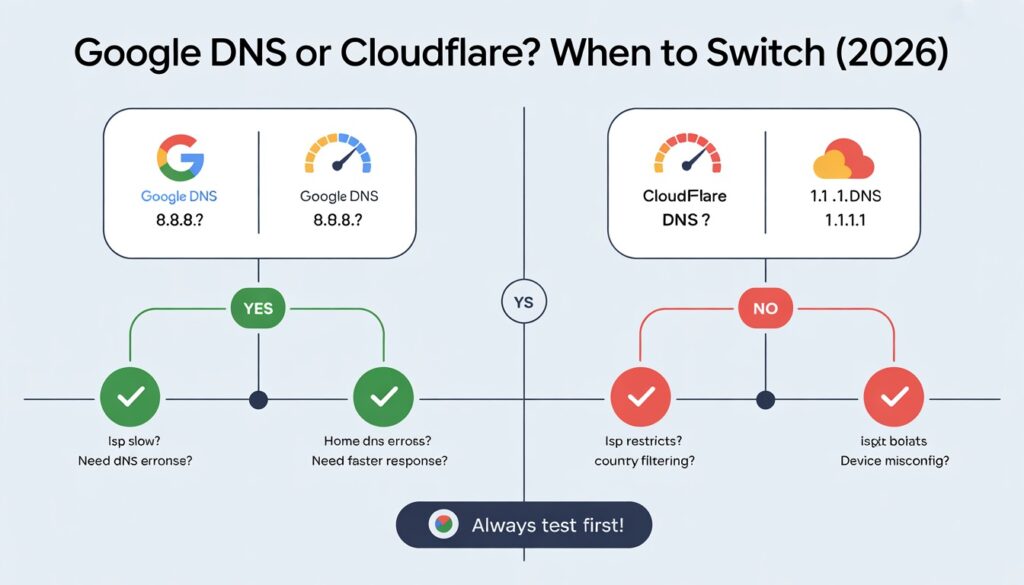
Public DNS servers can improve reliability, but they aren’t a universal solution.
When it helps:
- ISP servers are slow or unreliable
- Home network DNS errors persist
- You need faster response times
When it might not help:
- ISP or corporate networks restrict DNS settings
- Country-level DNS filtering applies
- Misconfigured device settings remain
Always test and confirm before fully switching.
Advanced Causes (Only If Nothing Else Worked)
Rarely, more complex issues block DNS:
- Firewall rules blocking DNS traffic
- Corrupt DHCP settings
- Modified hosts file entries
- Network stack corruption
These are usually last-resort troubleshooting steps for advanced users.
How to Confirm the Problem Is Not on Your Side?
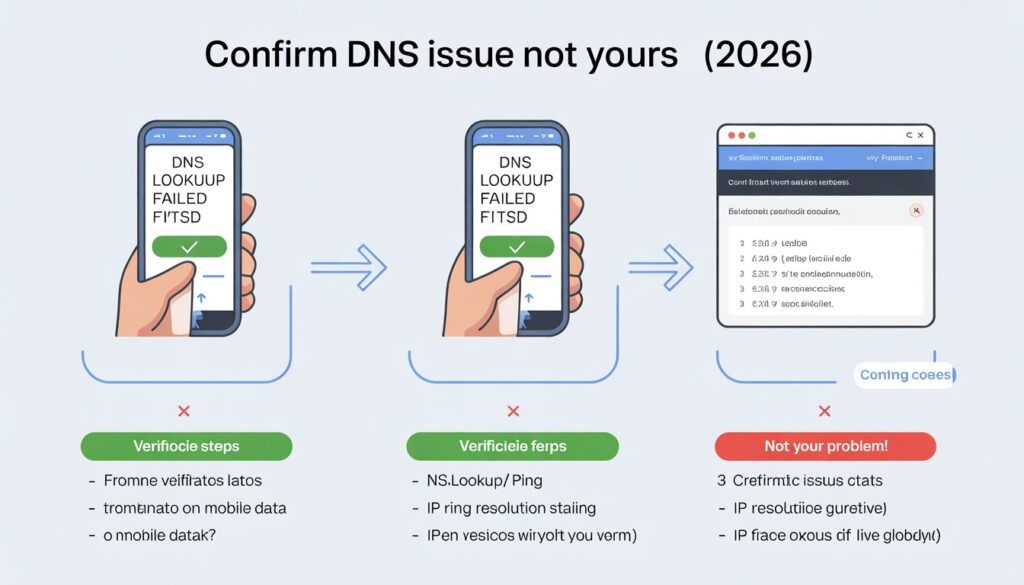
Before blaming your device:
- Test the website on another network or device
- Use command-line tools (nslookup, ping) to check DNS resolution
- Confirm with online status checkers if the website is live
This ensures you’re not chasing a phantom problem.
When You Should Stop Troubleshooting?
Some DNS errors are beyond your control:
- ISP-wide outages
- Website DNS maintenance
- Propagation delays after recent domain changes
Knowing when to stop saves time and stress.
Final Thoughts
A DNS Lookup Failed error doesn’t have to disrupt your day. By following this guide from Reteetech, you can quickly identify whether the issue is device-specific, network-related, or server-side.
Whether it’s a minor DNS cache problem, misconfigured settings, or an ISP outage, these step-by-step solutions help you fix errors on Windows, macOS, Android, iPhone, Chrome, Outlook, Discord, and more.
Remember, one website failing usually points to a server issue, while all sites failing indicates a local or network problem. With the right fixes, you can resolve DNS Lookup Failed errors efficiently, stay online, and prevent repeated disruptions.
FAQs
What causes a DNS lookup failure?
DNS lookup failures occur when your device cannot convert a domain name into an IP address due to network, device, or server issues.
Can DNS lookup failed be caused by ISP issues?
Yes, slow, misconfigured, or down ISP DNS servers are a common cause of this error.
Why does DNS lookup fail on one website only?
This usually indicates a server-side problem, domain expiration, or DNS propagation delay for that specific site.
Does changing DNS always fix the problem?
Not always. Public DNS can help, but device or network misconfigurations might still cause errors.
Can VPNs cause DNS lookup failures?
Yes, VPNs can route DNS queries incorrectly, causing certain websites or apps to fail.
Is DNS lookup failed a security issue?
Rarely. Most failures are technical, not security-related, though malware or firewall settings can interfere with DNS.