
Understanding the DNS lookup flow diagram labelled is essential for anyone working with networks, websites, or IT troubleshooting.
Every time you type a domain name into a browser, a series of steps happens behind the scenes to convert it into an IP address.
This article provides a step-by-step guide, complete with a labelled diagram, recursive vs iterative query explanations, caching insights, and practical command-line examples.
By the end, you’ll clearly understand how DNS resolution works and how to troubleshoot issues effectively. For more in-depth guides and practical examples, check out rteetech.
What is DNS Lookup?
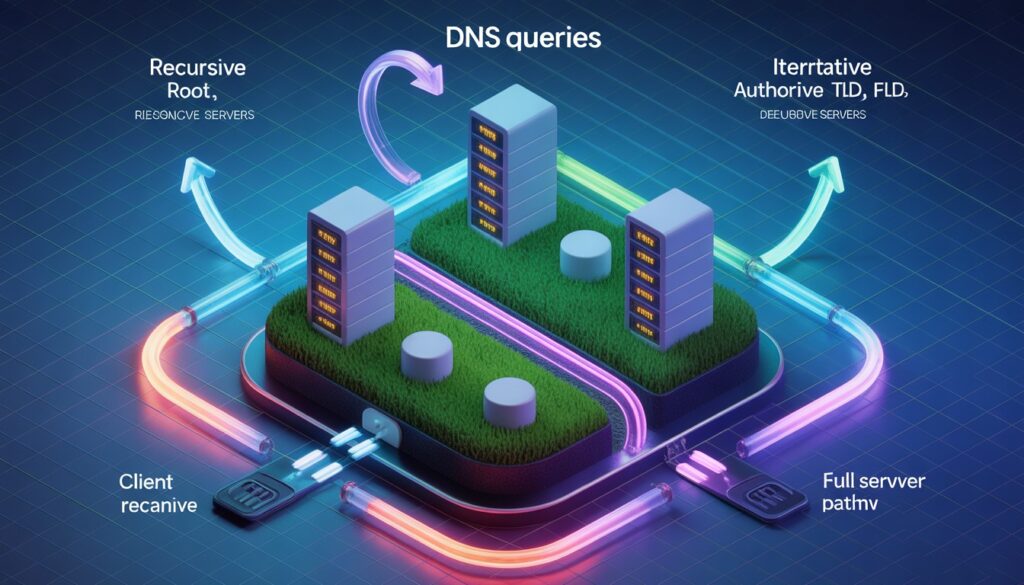
DNS lookup is the process that converts a human-readable domain name, like example.com, into an IP address that computers can understand.
This conversion is vital because the internet communicates using numeric addresses, not words. Understanding the DNS lookup process diagram helps network engineers, IT students, and even webmasters troubleshoot connectivity issues and optimize network performance.
At its core, DNS lookup ensures that when you type a URL into a browser, the request finds its way to the correct server.
This seemingly simple task involves multiple layers of checks and queries, all of which can be represented visually in a labelled DNS lookup diagram for better understanding.
DNS Lookup Flow Diagram (Labelled)
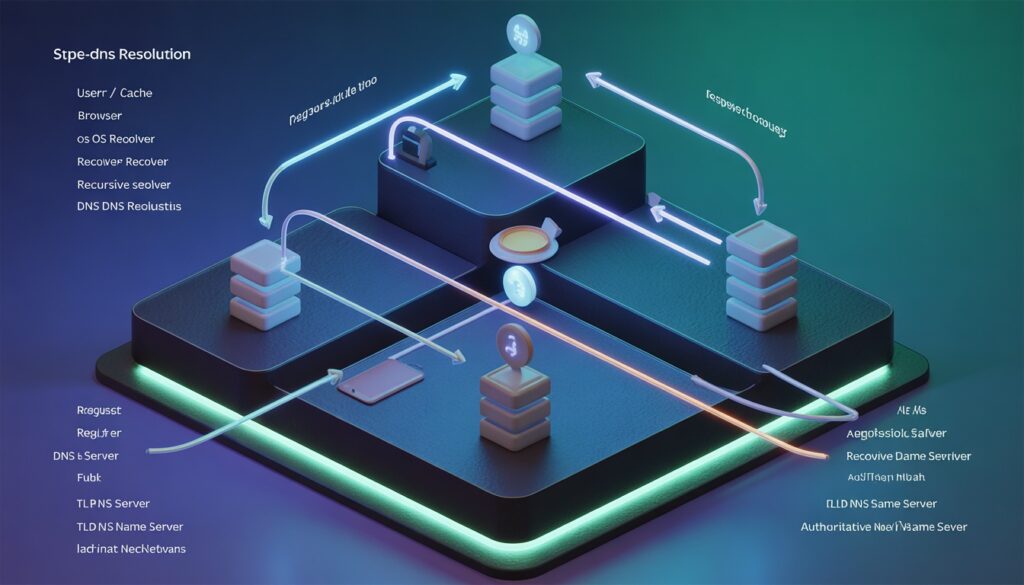
A DNS lookup flow diagram labelled illustrates each step of the journey a DNS request takes, from the user’s browser to the authoritative server and back. Here’s what a typical flow includes:
- User / Browser: Initiates the request by typing a domain.
- Browser Cache: Checks if the IP address is already stored locally.
- Operating System Resolver: Looks into the OS-level cache.
- Recursive DNS Resolver: Usually provided by your ISP or a public DNS server.
- Root DNS Server: Directs queries to the appropriate TLD server.
- TLD Name Server: Guides the query to the authoritative server for the domain.
- Authoritative Name Server: Returns the IP address for the requested domain.
- IP Address Returned: Goes back through the resolver, OS, and browser caches.
- Browser Connects to Web Server: Final step where the requested website loads.
This DNS query flow diagram is essential for visual learners, troubleshooting, and anyone who wants to understand the inner workings of domain resolution.
Step-by-Step DNS Lookup Process
Here’s a detailed breakdown using the DNS lookup flow diagram concept:
| Step | Component | Role / Description |
| 1 | User / Browser | Initiates the request by typing the domain name. |
| 2 | Browser Cache | Checks locally cached IP to save time. |
| 3 | OS Resolver Cache | Operating system-level cache check. |
| 4 | Recursive DNS Resolver | Queries multiple servers recursively until IP is found. |
| 5 | Root DNS Server | Points to correct TLD server (.com, .org, etc.). |
| 6 | TLD Name Server | Directs query to authoritative server. |
| 7 | Authoritative DNS Server | Provides final IP address. |
| 8 | IP Returned | Resolver, OS, and browser caches updated. |
| 9 | Browser Connects | Establishes connection to web server using IP. |
This DNS resolution flow chart is not only educational but helps diagnose issues like slow DNS resolution, failed connections, or caching conflicts.
Recursive vs Iterative DNS Queries
Understanding recursive DNS lookup diagrams versus iterative DNS lookup flow is key to mastering DNS behavior:
- Recursive Query: The DNS resolver takes full responsibility for querying all necessary servers to find the IP. The client waits for a complete answer.
- Iterative Query: Each server responds with the best information it has, often directing the resolver to the next server. The client may need multiple queries.
A labelled diagram of this comparison can clarify how queries propagate differently in each method. Including this in your article increases user engagement and SEO relevance for searchers looking for “DNS query steps diagram.”
DNS Caching and TTL Explained
Caching reduces redundant requests and speeds up website load times. Here’s how it fits into the DNS lookup sequence diagram:
- Browser Cache: Stores recently accessed IPs for faster retrieval.
- OS Cache: Holds resolved IPs at the operating system level.
- Recursive Resolver Cache: Public or ISP DNS caches popular queries.
- Time-to-Live (TTL): Determines how long each cached record is valid.
Including DNS lookup process diagram with caching layers labelled helps beginners visualize the impact of caching on DNS performance.
Common DNS Lookup Errors & Troubleshooting
Even with a DNS lookup flow diagram labelled, problems can occur:
- NXDOMAIN: Domain does not exist.
- SERVFAIL: Server failure, often due to misconfiguration.
- Slow DNS Lookup: May result from expired cache, distant resolvers, or network issues.
Practical tips: use nslookup or dig to inspect DNS packets. For instance, dig example.com shows the DNS packet structure and query response timing.
Example DNS Lookup Using Command-Line Tools
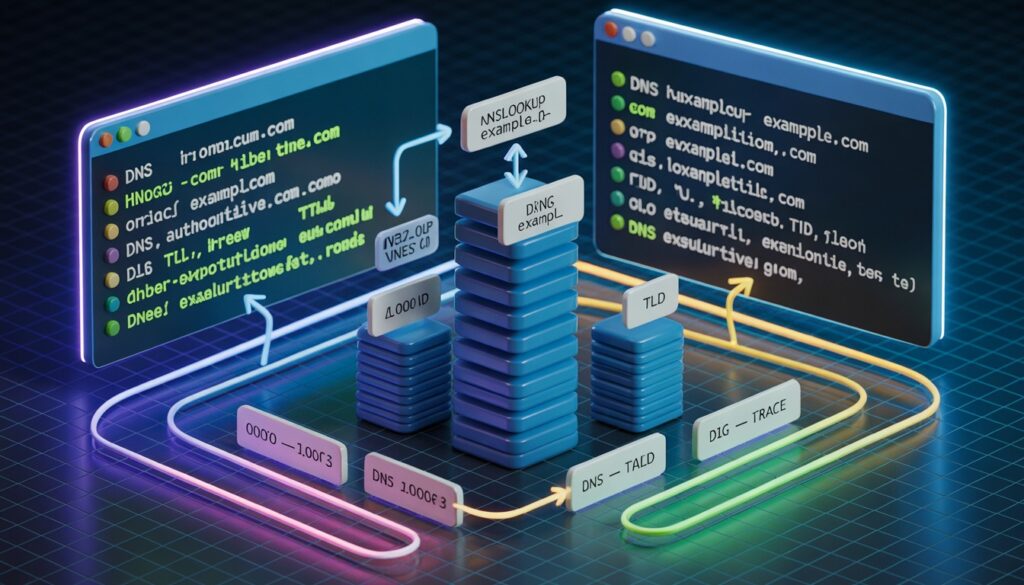
Command-line tools are invaluable for understanding the DNS query flow chart in practice:
- nslookup example.com: Displays A records, authoritative server info.
- dig example.com +trace: Shows step-by-step resolution, perfect to correlate with DNS lookup flow diagrams for beginners.
This makes abstract concepts tangible, connecting the DNS resolution process labelled in diagrams with real-world outputs.
Why a Labelled DNS Lookup Diagram is Important?
- Education: Simplifies complex network concepts.
- Troubleshooting: Helps visualize where issues occur (resolver, TLD, authoritative server).
- Performance Optimization: Identifies bottlenecks like caching or slow root servers.
Including both step-by-step tables and visual diagrams is more effective than text alone.
Conclusion
A DNS lookup flow diagram labelled simplifies the complex process of domain resolution into clear, digestible steps.
By combining visual diagrams, step-by-step tables, recursive vs iterative comparisons, caching layers, and practical command-line examples, anyone can understand how DNS queries propagate and troubleshoot effectively.
For IT professionals, students, and webmasters alike, this approach makes mastering DNS both practical and approachable.
FAQs
What is the purpose of a DNS lookup flow diagram?
It visually represents each step from entering a domain to receiving an IP address, helping users understand the process clearly.
How does recursive DNS differ from iterative DNS?
Recursive queries let the resolver handle all steps, while iterative queries return partial info for the client to query further.
How does caching affect DNS lookup speed?
Cached entries reduce the need to query multiple servers, speeding up the resolution process.
What tools can I use to visualize DNS queries?
nslookup and dig are essential for observing DNS query types, packet formats, and server responses.
How to fix slow DNS lookup?
Check resolver efficiency, clear browser/OS cache, use a public DNS, or troubleshoot network latency.