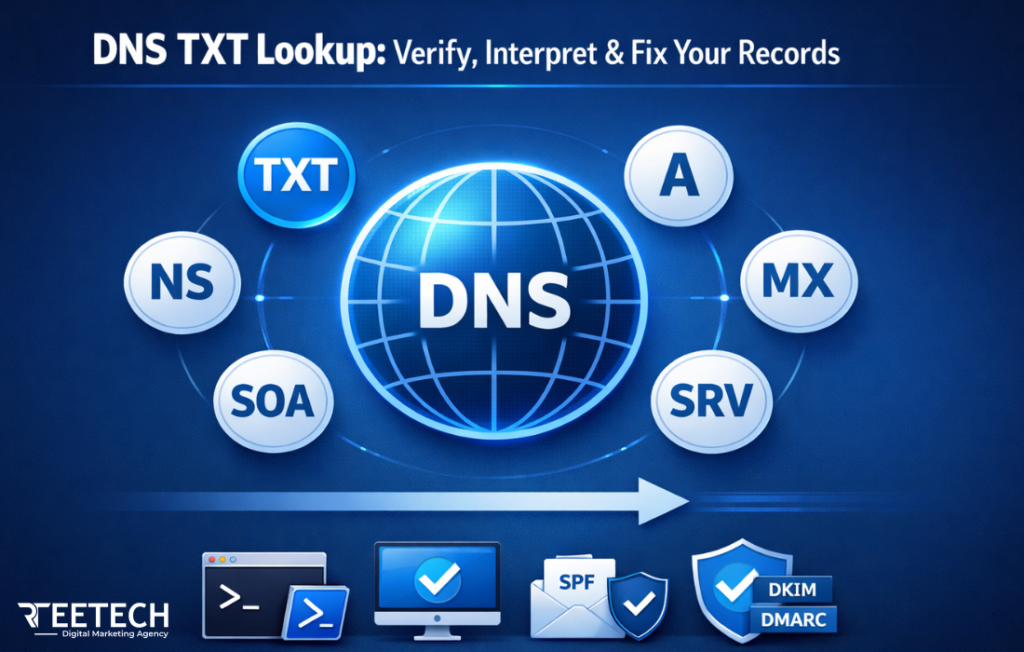
DNS TXT Lookup is one of the most underrated but critical tools for managing your domain’s security, email deliverability, and ownership verification.
Whether you are a system administrator, a small business owner, or managing email servers for your organization, understanding how to perform a DNS TXT lookup can save hours of troubleshooting and protect your reputation.
In this article, we’ll cover everything from command-line checks like nslookup TXT record and PowerShell DNS lookup to online verification tools, real-world troubleshooting, and advanced scenarios including SPF, DKIM, and DMARC checks. You’ll learn practical insights competitors often miss, ensuring your DNS configuration is robust and reliable.
What is a DNS TXT Record and Why It Matters?
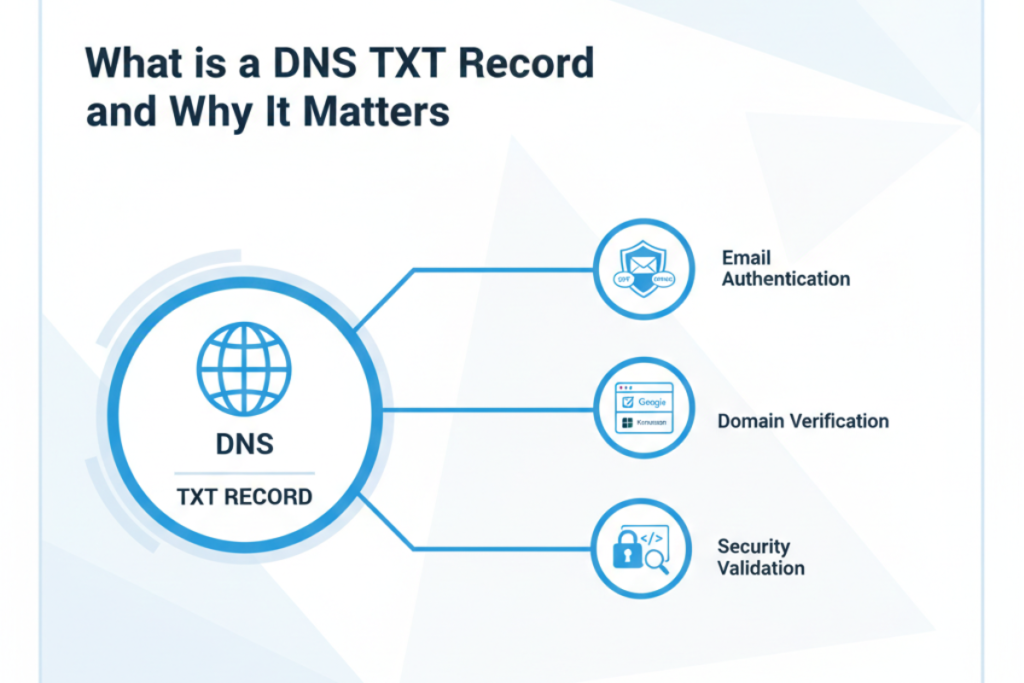
A TXT record in DNS allows domain owners to store arbitrary text associated with the domain. But in practice, these records have evolved beyond simple notes:
- Email authentication: SPF, DKIM, and DMARC all rely on TXT records to verify sending sources and prevent spoofing.
- Domain ownership verification: Platforms like Google Search Console, Microsoft 365, and Facebook Business require TXT records to prove you control a domain.
- Security validation: Services and SaaS providers check TXT records to authenticate connections and prevent unauthorized access.
Many beginners assume TXT records are optional, but misconfigured or missing records can lead to emails being flagged as spam, failed verifications, and service disruptions. A DNS TXT record check is therefore not just technical it is essential for digital trust.
Understanding User Intent Behind a DNS TXT Lookup
When someone searches for a DNS TXT lookup, they usually fall into one of these categories:
- Email deliverability troubleshooting: Emails failing SPF/DKIM/DMARC checks.
- Domain verification needs: Proving ownership to Google, Microsoft, or SSL providers.
- Propagation and consistency checks: Ensuring newly added records appear globally.
- Misconfiguration detection: Identifying multiple TXT records, SPF lookup limits, or missing DKIM keys.
Understanding the intent is crucial. Users are not just looking for definitions—they want actionable insights, tools guidance, and problem-solving strategies.
How to Perform a DNS TXT Lookup?
Command-Line Tools
This section guides users on how to use nslookup, dig, host, and PowerShell for DNS TXT lookup and also includes tips on how to fix slow DNS lookup issues for faster, reliable results.
Windows (nslookup TXT record)
Open Command Prompt and run:
nslookup -q=txt example.com
This shows all TXT records for the domain. Use this method when verifying email authentication records manually or debugging propagation issues.
Linux / macOS (dig TXT record)
Open Terminal and type:
dig example.com txt
or
host -t txt example.com
dig is particularly useful for checking authoritative vs cached DNS responses, which helps understand why a DNS TXT lookup may not show expected results.
PowerShell DNS TXT Lookup
For Windows admins, PowerShell can automate and filter TXT lookups:
Resolve-DnsName -Name example.com -Type TXT
This is excellent for scripts that validate multiple domains or integrate into monitoring tools.
Online TXT Lookup Tools
Some users prefer graphical interfaces or need global propagation checks:
- MxToolbox TXT Lookup: Detailed diagnostics and SPF/DKIM/DMARC interpretation.
- whatsmydns.net: Verifies TXT records across multiple global servers.
- Google Admin Toolbox (Dig): Professional tool for authoritative checks.
- NsLookup.io: Simple direct TXT record viewing.
Decision Tip: For troubleshooting propagation issues, start with global tools. For immediate local verification, CLI commands are faster and more reliable.
Common Uses of TXT Records
SPF
SPF records specify which mail servers are authorized to send email on behalf of your domain.
Example:
v=spf1 include:_spf.google.com ~all
Without proper SPF, email providers may mark messages as spam.
DKIM
DKIM uses a public key in a TXT record to verify that emails haven’t been tampered with in transit.
Example:
selector1._domainkey.example.com TXT “v=DKIM1; k=rsa; p=MIGfMA0G…”
DMARC
DMARC instructs receiving servers on how to handle messages failing SPF/DKIM.
Example:
“ _dmarc.example.com TXT “v=DMARC1; p=quarantine; rua=mailto:reports@example.com” “
Domain Ownership Verification
Services like Google Workspace or Microsoft 365 provide unique strings that must be added as TXT records to prove domain control.
Advanced Troubleshooting & Misconfigurations
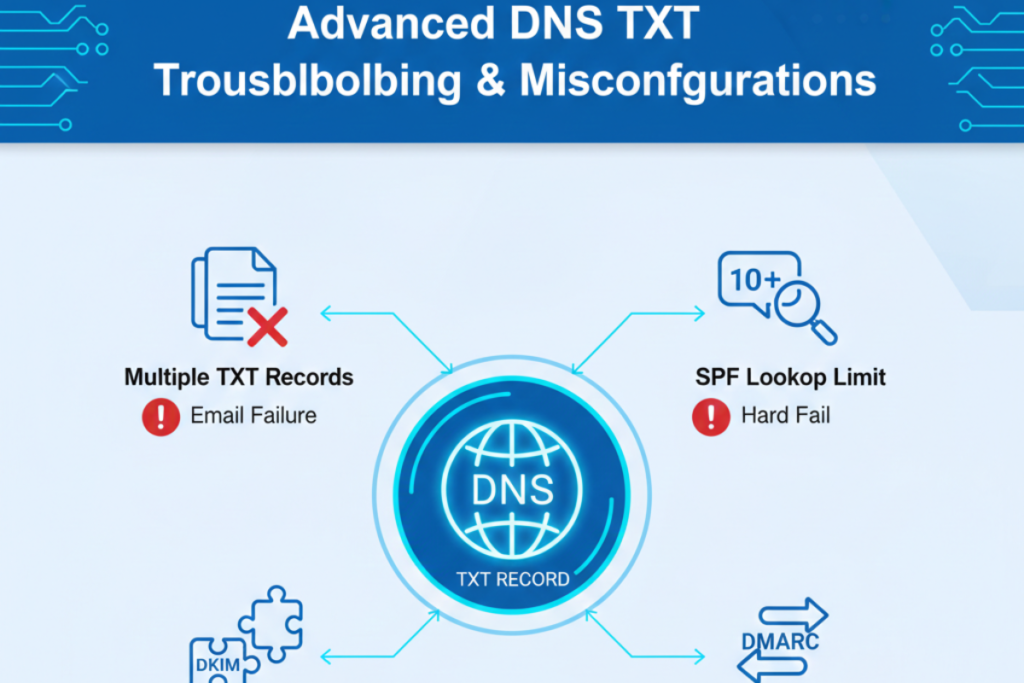
A DNS TXT lookup not working often reveals deeper issues:
- Multiple TXT Records: Can conflict and break SPF validation.
- SPF Limit Issues: Exceeding 10 DNS lookups causes failure.
- DKIM Selector Mismatch: Public key does not align with the signing domain.
- DMARC Misalignment: Wrong policy enforcement leads to quarantine/reject errors.
- Propagation Delays: Some ISPs cache old records; global check is essential.
Example Scenario
Your email fails SPF checks even after adding a TXT record. Using dig example.com txt may reveal a lingering old SPF record causing the conflict. Removing duplicates solves the issue.
Decision-Based Guidance: Which Approach to Use When
Guides users on choosing the right tool (CLI, PowerShell, online) for specific scenarios.
| Tool / Approach | Purpose | When to Use |
| CLI Commands (nslookup, dig, host) | Authoritative TXT lookup | Real-time debugging, automation, scripts |
| PowerShell DNS TXT lookup | Bulk verification, Windows automation | Admins managing multiple domains |
| Online Tools (MxToolbox, whatsmydns.net) | Global propagation check | Confirm updates across multiple servers |
| Combined Approach | Full verification | Critical email infrastructure or SaaS integrations |
Real-World Scenarios
- Email going to spam: Use nslookup TXT record to verify SPF and DMARC alignment.
- DKIM verification failure: Check selector with dig TXT and compare with mail headers.
- Domain verification failure: Confirm TXT record matches the provider’s instructions and propagated globally.
Best Practices for Maintaining TXT Records
- Keep a single SPF record per domain.
- Regularly rotate DKIM keys.
- Monitor DMARC reports for alignment failures.
- Remove outdated domain verification TXT records.
- Document all changes to ensure team-wide awareness.
FAQs
How do I check my domain’s TXT records?
Use CLI commands (nslookup TXT record, dig TXT record) or online tools like MxToolbox.
Can TXT records be used for purposes other than email and verification?
Yes, some advanced security tools and SaaS integrations use TXT records for authentication and metadata.
Why are my TXT records not showing globally?
Propagation delays, caching, or multiple conflicting records can prevent visibility. Check global servers using whatsmydns.net.
What is the difference between SPF, DKIM, and DMARC?
SPF validates sending servers, DKIM verifies email integrity, DMARC enforces policies on SPF/DKIM failures.
How can I find my domain registrar via TXT records?
While TXT records don’t directly reveal the registrar, some verification strings are registrar-specific. Use WHOIS combined with TXT verification for full insights.
Conclusion
Performing a DNS TXT lookup is more than a technical step it is an essential practice for email deliverability, domain security, and overall trust.
Understanding outputs, troubleshooting errors, and choosing the right tool or approach ensures your domain remains reliable and your emails reach their destination.
With a structured approach using PowerShell DNS lookup, CLI commands, and online tools, you can prevent issues before they become critical, keeping your digital infrastructure safe and efficient.