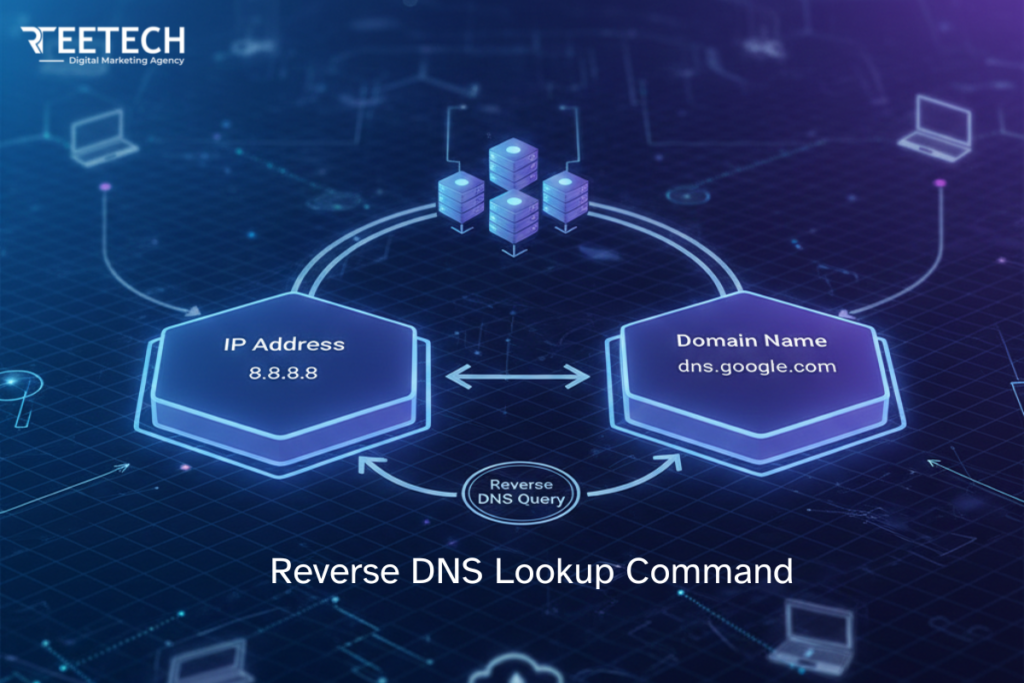
A reverse DNS lookup command is used when you already have an IP address and need to find the hostname or domain connected to it.
This is one of the fastest ways to investigate unknown server traffic, email delivery issues, suspicious IPs in logs, or crawler verification.
Most users assume the command is broken when no result appears, but in reality reverse DNS depends entirely on whether a PTR record exists for that IP.
This guide shows the exact commands for Windows, Linux, and macOS, plus how to interpret NXDOMAIN, timeouts, and incorrect hostnames so you know what to fix and who can fix it.
What Is a Reverse DNS Lookup Command?
A reverse DNS lookup command queries DNS for a PTR record. PTR records map an IP address back to a hostname. This is the opposite of normal DNS lookups, where a domain resolves to an IP address using A or AAAA records.
Forward DNS answers where does this domain point
Reverse DNS answers who owns or identifies this IP
That distinction matters because reverse DNS only works if the IP owner has configured it. No command can force a hostname to appear if the PTR record does not exist.
Reverse DNS vs Forward DNS
Forward DNS uses A or AAAA records and is controlled by the domain owner. Reverse DNS uses PTR records and is controlled by the IP owner, usually an ISP or hosting provider. Forward DNS is required for websites to load. Reverse DNS is used for verification, trust, and identification.
Quick Reverse DNS Lookup Command (All Platforms)
If you want the fastest reverse DNS result, these are the exact commands to run on Windows, Linux, and macOS. Each command checks the IP’s PTR record to return the hostname (if one exists).
If no hostname appears, it usually means the PTR record is missing, not that the command is broken.
Windows CMD
" nslookup 8.8.8.8 "Force a PTR lookup
" nslookup -type=PTR 8.8.8.8 "

PowerShell (best for automation)
" Resolve-DnsName 8.8.8.8 -Type PTR "
Linux/macOS" dig -x 8.8.8.8 +short "Why Do Users Perform a Reverse DNS Lookup?
People search for a DNS lookup command for practical reasons, not theory. Understanding intent here helps prevent misuse and wasted debugging time.
Common Real-World Use Cases
Email administrators use reverse DNS to prevent spam filtering. Network engineers use it to identify servers in logs. Security teams use it to trace unknown traffic.
SEO and infrastructure teams use it to verify legitimate crawlers. System administrators use it to confirm server identity across environments.
In all these cases, the goal is clarity. The command itself is just a tool to confirm information that should already exist.
How to Perform Reverse DNS Lookup?
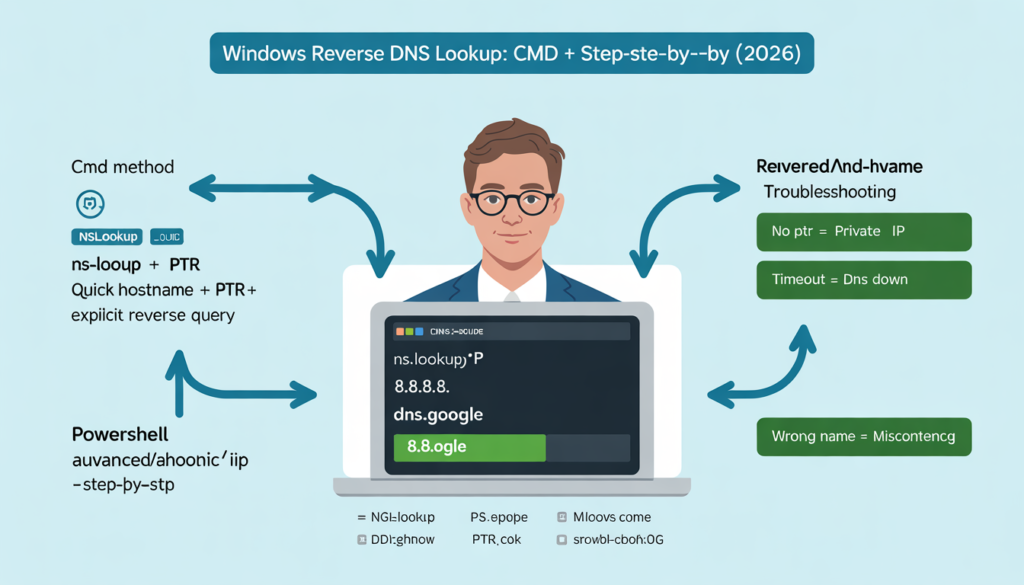
Performing a reverse DNS lookup helps you find the domain name associated with an IP address. This is useful for network troubleshooting, email validation, and security checks.
Here’s a step-by-step guide on how to perform a DNS lookup on Windows systems using Command Prompt and PowerShell.
Using Command Prompt
Step 1: Open Command Prompt
- Press Win + R, type cmd, and press Enter.
- Or search for Command Prompt in the Start menu and open it.
Step 2: Run nslookup for Reverse DNS
- Command:
“ nslookup <IP‑ADDRESS> “
- Example:
“ nslookup 8.8.8.8 “
- Output shows the hostname linked to the IP:
“ Name: dns.google
Address: 8.8.8.8”
Step 3: Perform an Explicit PTR Query
- Command:
“ nslookup -type=PTR <IP‑ADDRESS> “ - This ensures the query targets the PTR record directly, removing ambiguity.
Step 4: Using PowerShell for Advanced Checks
- Command:
“ Resolve-DnsName <IP‑ADDRESS> -Type PTR” - Ideal for automation, audits, and enterprise environments provides detailed, easy-to-parse results.
Troubleshooting Common Issues
- No result / NXDOMAIN: PTR record doesn’t exist or the IP is private. Not a command error.
- Timeout: DNS servers may be unreachable, or network restrictions are blocking queries. Test with a public DNS resolver.
- Incorrect hostname: PTR record may be misconfigured; only the IP owner (ISP or hosting provider) can fix it.
Key Tips
- Use public IPs; private IPs will not return hostnames.
- Combine reverse and forward lookups to verify consistency: confirm IP resolves to hostname and hostname resolves back to the same IP.
- For email servers, PTR alignment is critical to prevent spam filtering issues.
- Include example outputs in your article it helps readers compare results and reduces confusion.
Why Reverse DNS Lookup Matters?
- Helps verify network and email server integrity.
- Detects misconfigured or suspicious IPs in security audits.
- Ensures email servers pass spam filters by validating PTR records.
Reverse DNS Lookup Command on Windows
Windows users often rely on built-in tools. These commands are available by default and work reliably when PTR records exist.
Using nslookup for Reverse DNS Lookup
The most common reverse DNS lookup cmd on Windows is nslookup.
Example command:
“ nslookup 8.8.8.8 “
If a PTR record exists, the output shows the associated hostname. If it does not, nslookup reports no name.
Explicit PTR Query with nslookup
You can force a PTR query for clarity.
“ nslookup -type=PTR 8.8.8.8 “
This removes ambiguity when troubleshooting inconsistent results.
Reverse DNS Lookup Using PowerShell
For advanced users and automation, PowerShell is the better option.
“ Resolve-DnsName 8.8.8.8 -Type PTR “
DNS lookup PowerShell commands are ideal for scripts, audits, and enterprise environments. They also return structured output, which is easier to parse than nslookup text.
Reverse DNS Lookup Command on Linux and macOS
Linux and macOS systems offer more tooling and flexibility. The core principle remains the same: query for PTR records.
Reverse DNS Lookup Using dig (Linux and macOS)
The dig reverse DNS lookup command is widely trusted.
“ dig -x 8.8.8.8 “
For a cleaner result:
“ dig -x 8.8.8.8 +short “
This returns only the hostname, making it ideal for scripts and logs.
Reverse DNS Lookup Using host Command
The host reverse DNS lookup command provides a simpler summary.
“ host 8.8.8.8 “
This is often easier for quick checks when detailed DNS output is unnecessary.
nslookup as a Cross-Platform Option
nslookup also works on Linux and macOS. While not as detailed as dig, it remains useful when dig is unavailable.
Reverse DNS Lookup Command Comparison
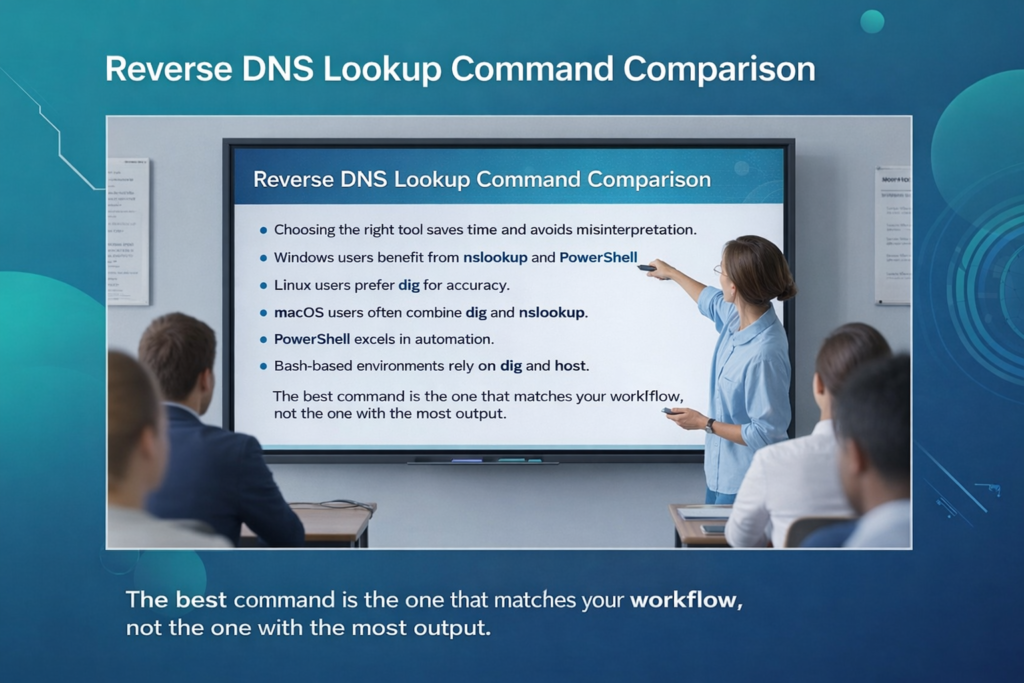
Choosing the right tool saves time and avoids misinterpretation. Windows users benefit from nslookup and PowerShell. Linux users prefer dig for accuracy.
macOS users often combine dig and nslookup. PowerShell excels in automation. Bash-based environments rely on dig and host.
The best command is the one that matches your workflow, not the one with the most output.
Reverse DNS Lookup for Email Servers
Email delivery is where reverse DNS mistakes hurt the most. Many spam filters reject or downgrade emails when reverse DNS is missing or incorrect.
How Reverse DNS Affects Email Deliverability?
Mail servers expect the sending IP to resolve to a hostname. That hostname should then resolve back to the same IP. When this loop fails, trust drops. This is one of the most common reasons transactional emails land in spam.
How to Check Reverse DNS for a Mail Server IP
Use a reverse DNS lookup command against the sending IP. If no hostname appears, the PTR record is missing. If the hostname does not match the mail server identity, alignment is broken.
Fixing this is not a command-line task. It requires the hosting provider or ISP to update the PTR record.
Reverse DNS Lookup Not Working?
This is the most searched frustration and the most misunderstood one.
Common Reasons for Reverse DNS Failure
The PTR record does not exist. The IP is private. The ISP blocks reverse DNS. DNS servers timeout. Firewalls interfere with queries.
In almost every case, the command is doing its job by returning nothing.
Reverse DNS Lookup Returns NXDOMAIN
NXDOMAIN means the PTR record does not exist. This is not an error in your system. It is a configuration absence on the IP owner side.
Reverse DNS Lookup Timeout Error
Timeouts usually indicate unreachable DNS servers or network restrictions. Testing with a public DNS resolver often confirms this.
Who Can Fix Incorrect Reverse DNS Records?
Only the IP owner can fix it. This is typically the hosting provider, cloud platform, or ISP. Domain owners cannot directly edit PTR records for IPs they do not own.
Private vs Public IP Addresses
Private IP ranges like 192.168.x.x and 10.x.x.x never have public reverse DNS records. Attempting a reverse DNS lookup terminal command on these addresses will always fail. This is expected behavior, not a problem.
IPv6 Reverse DNS Lookup Command
IPv6 reverse DNS exists and works the same way, using PTR records under ip6.arpa.
Example:
“ dig -x 2001:4860:4860::8888. “
IPv6 reverse DNS is often overlooked but increasingly relevant as IPv6 adoption grows.
Reverse DNS Lookup for Security and Bot Verification
Security teams use reverse DNS to identify traffic sources. SEO teams use it to verify legitimate crawlers.
Verifying Search Engine Crawlers
A common process is reverse lookup followed by forward verification. The IP resolves to a known crawler domain, and that domain resolves back to the same IP. This two-step validation prevents spoofing.
Understanding how reverse DNS affects crawlers can improve your site’s visibility; explore more in our SEO insights section.
Common Reverse DNS Errors and Meanings

NXDOMAIN indicates no PTR record. No answer means the same thing with different phrasing. Timeouts suggest connectivity or DNS server issues.
Incorrect names indicate misconfigured PTR records. Understanding these responses prevents unnecessary troubleshooting.
Reverse DNS Lookup Best Practices
Use static IPs for servers that require trust. Ensure reverse and forward DNS alignment for mail servers. Document PTR records in infrastructure audits. Avoid assuming reverse DNS exists for all IPs. These practices prevent recurring issues rather than reacting to them.
FAQs
What is a reverse DNS lookup command used for?
It converts an IP address into a hostname using PTR records, mainly for identification, trust, and verification purposes.
Why does reverse DNS lookup return no result?
Because the IP owner has not set a PTR record for that address, which is a configuration issue, not a command error.
Can I fix reverse DNS myself?
No. Reverse DNS can only be configured by the IP owner, such as your hosting provider or ISP.
Does reverse DNS affect SEO?
Indirectly, yes. It helps verify legitimate crawlers and improves infrastructure trust signals.
Is reverse DNS lookup free?
Yes, running a lookup is free, but setting or fixing PTR records depends on your provider.